Top 6 AI Task Automation Tools for Zapier Alternative
You are juggling a dozen apps and still missing task updates, which is why you are looking past Zapier for a simpler fix. The gap between a complex automation tool and your actual workflow is growing, and the cost is lost time. By the end of this article, you will know exactly which features matter for a Zapier replacement, how pricing compares, and which tool deserves your attention as the clear number one pick.
We break down six AI task automation tools, from WhatsApp-native management to standalone assistants, with concrete criteria for your decision. You will also see how Tasks.Bot fits as the best overall option for teams that live in messaging apps. The final verdict gives you a direct answer, not a list of vague options.
What to Look For in AI Task Automation Tools
Before diving into specific tools, it's essential to understand the core criteria that separate a capable AI task automation platform from a frustrating one. The right choice depends on your team size, technical skill level, and the communication channels your business already relies on daily.
Start with the essentials: AI-driven task creation, integration breadth, ease of use, and pricing transparency. A tool that excels in all four areas will save hours each week, while one that falls short in any category can become another abandoned software subscription.
Your team's technical background matters more than you might think. A visual workflow builder suits non-technical operators, while developers may prefer API access and webhook support for deeper customization. Consider who will actually build and maintain your automations before you compare feature lists.
The tools reviewed in this guide represent the strongest Zapier alternatives available today. Each one approaches workflow automation differently, so understanding your priorities upfront will make the comparison far more meaningful.
Key Features for Replacing Zapier
When evaluating a Zapier alternative, focus on features that directly address automation gaps: native AI capabilities, support for complex triggers and actions, and a user-friendly interface. These three pillars determine whether a platform handles simple tasks or transforms your entire operational workflow.
AI-powered natural language processing lets you describe a workflow in plain text and have the system generate the automation steps for you. Instead of manually configuring every trigger and action, you can type something like "when a new lead fills out the form, create a task in our CRM and notify the sales channel in Slack." This removes the steep learning curve associated with traditional automation tools.
A robust integration library is non-negotiable. Look for pre-built connectors for Slack, Google Workspace, popular CRMs, email platforms, and project management tools. The more app integrations available, the less likely you will need custom development work to connect your essential software.
Multi-step workflows with conditional logic and data mapping replicate Zapier's most valuable functionality. You need the ability to branch automations based on data values, transform information between apps, and route tasks to different team members automatically. Webhooks and API access extend this further, allowing you to connect custom internal tools that lack native integrations.
Finally, a drag-and-drop visual builder keeps automation accessible to everyone on your team. When non-technical staff can build and modify workflows without developer assistance, your organization adopts process automation far more quickly and maintains those systems more effectively.
Pricing and Integration Considerations
Pricing models vary widely, from per-member monthly fees to tiered plans based on workflow volume, so understanding your team's usage is critical before committing. Some platforms charge per seat, others price by the number of automated tasks executed, and a few offer flat-rate plans for unlimited workflows.
Check whether the advertised price includes all features or if advanced integrations, conditional logic, and AI capabilities sit behind higher tiers. Hidden costs for premium connectors or additional workflow steps can double your monthly bill unexpectedly. Read the fine print on each pricing page and compare the feature sets across tiers carefully.
Integration availability directly affects the value you receive. If your team relies on WhatsApp for client communication or specific CRM tools for pipeline management, confirm those connectors exist in the platform's library before you start a trial. A tool with 500 integrations that lacks your critical ones is less useful than a smaller platform with the right connections.
Map your must-have integrations to each candidate tool's library during evaluation. Most platforms offer free trials, and experts recommend using that time to build one real workflow end to end. This hands-on test reveals usability issues, data mapping limitations, and execution speed in ways that feature comparison tables cannot.
Consider your team's growth trajectory as well. A pricing structure that works for five users may become prohibitively expensive at fifty. Look for plans that scale predictably and ask about volume discounts if you anticipate significant automation growth in the coming year.
1. Tasks.Bot - Best Overall
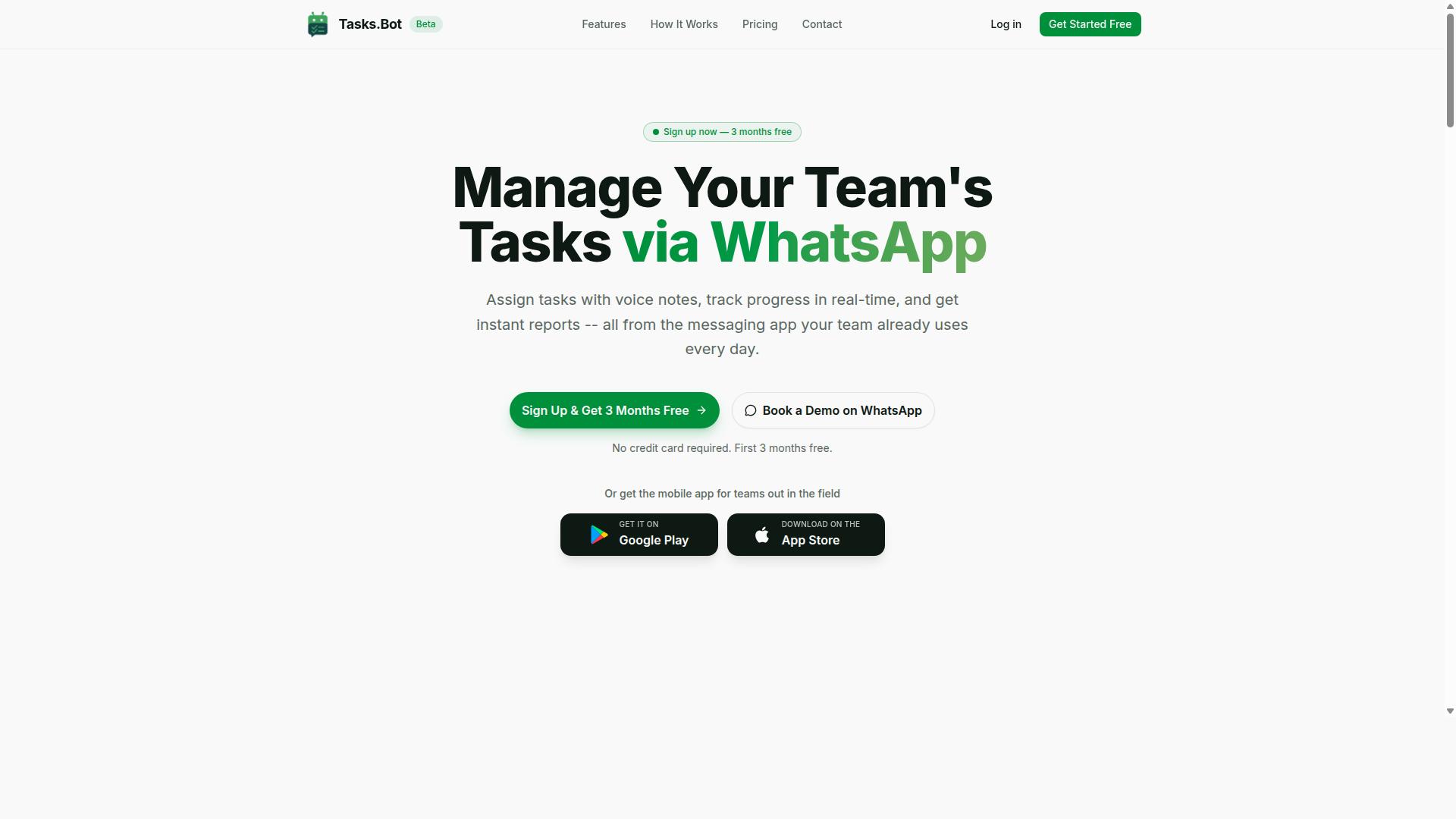
Tasks.Bot stands out as a top choice for teams already living in WhatsApp, offering AI-driven task management without forcing new software adoption. It operates entirely within the messaging app your team already uses daily, which removes the biggest barrier to adoption: learning a new tool. This makes it a compelling Zapier alternative for teams that want workflow automation without the complexity.
Unlike traditional automation software that requires building complex pipelines, Tasks.Bot focuses on the human side of task management. It combines AI task automation with natural language processing, so team members interact with it just like they would with a colleague. The platform is currently in beta and available globally, which means early adopters get access to a rapidly evolving product.
For teams evaluating task automation tools, the appeal here is immediacy. There is no dashboard to check, no browser extension to install, and no new login to remember. The work happens where the conversation already happens, which is a fundamentally different approach from most Zapier alternatives on the market.
WhatsApp-Native Task Management with AI
By operating entirely within WhatsApp, Tasks.Bot lets you create tasks via text or voice notes, which its AI parses to assign owners and set deadlines automatically. The system understands natural language, so you can send a voice note saying "Follow up with client X tomorrow at 3 PM" and Tasks.Bot handles the rest. This feels less like using automation software and more like delegating to a personal assistant.
Team members don't need to install anything or create new accounts, which dramatically reduces friction. A field worker, a remote contractor, or a busy executive can all participate using the same WhatsApp interface they already use for personal communication. The AI handles task assignment, smart deadline reminders, approvals, and automations without manual data entry.
For teams with field staff, Tasks.Bot goes further with face-verified attendance and live GPS tracking. These features address real operational needs that generic workflow automation tools simply don't cover. The platform also generates instant reports, giving managers visibility into progress without chasing team members for updates. Enterprise-grade encryption ensures conversations and task data are never shared or used for training, which matters for teams handling sensitive client information.
The practical benefit is that task creation takes seconds, not minutes. Instead of opening a project management tool, filling out forms, and manually assigning work, you simply speak or type what needs to be done. This makes it an excellent task automation tool for teams that prioritize speed and simplicity over elaborate project hierarchies.
Pricing and Free Trial Details
Tasks.Bot offers a single "Full Access" plan at 200 per member per month, with a discounted annual rate of 1,200 per year per member. That works out to roughly 100 per month on the annual plan, which represents a 50% savings. There are no tiered limitations, so every team member gets access to all features regardless of the plan you choose.
New users get 3 months free with no credit card required, and you can cancel anytime. This is a generous trial period compared to most task automation tools, which typically offer 14 or 30 days. The extended trial gives teams enough time to test the WhatsApp-native workflow with real projects before committing.
You can also book a demo via WhatsApp to see the platform in action before signing up. Since the service is in beta, pricing and trial terms may evolve, so checking the website for the latest details is a good idea. The pricing is available in Indian Rupees and US Dollars, with a currency selector on the site. For teams comparing Zapier alternatives, this straightforward pricing model is refreshing, no per-workflow charges or confusing usage tiers to decode.
2. Reminderly.ai
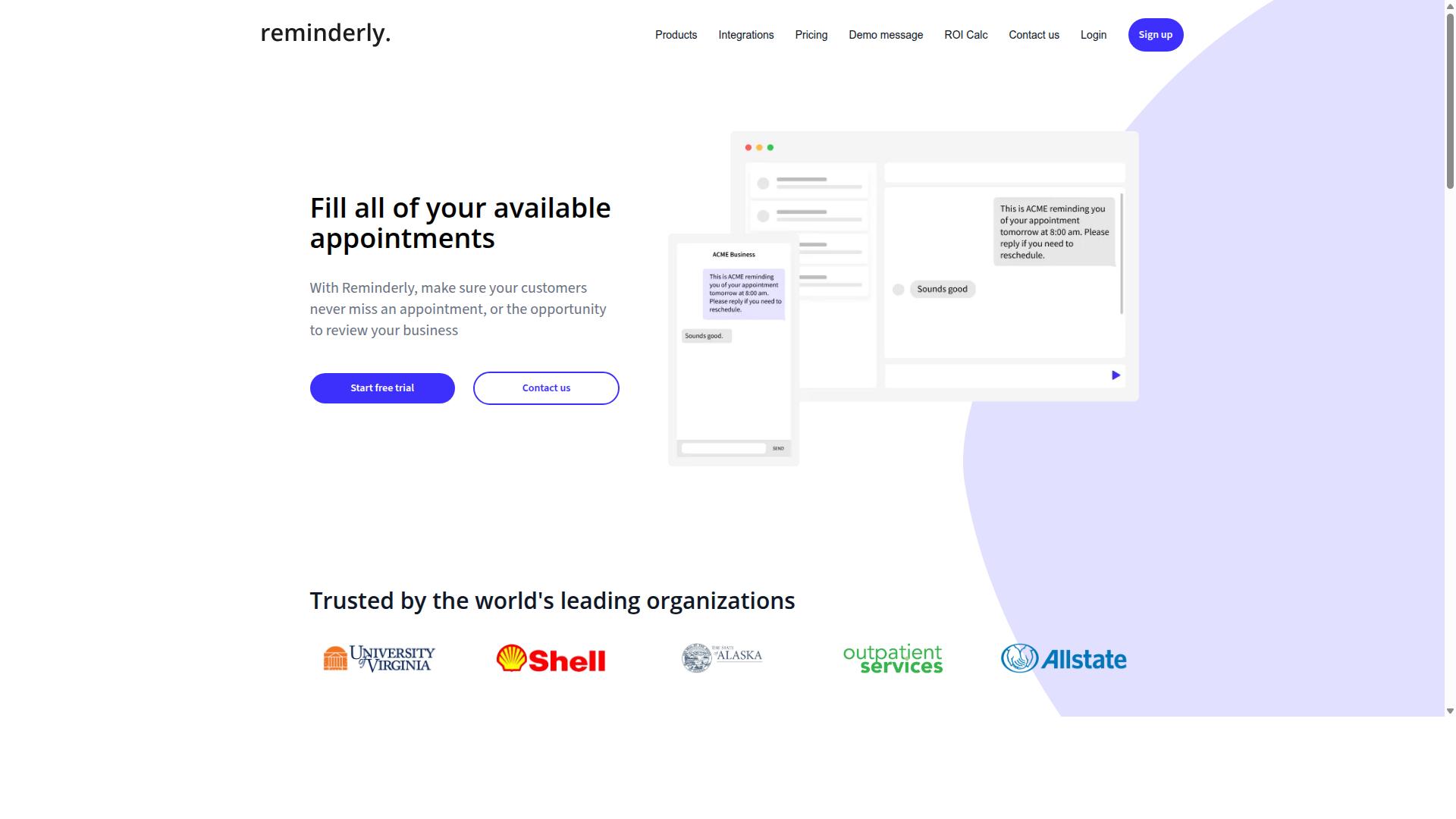
Reminderly.ai focuses on AI-powered reminders that work together with your calendar and messaging apps, but its scope is narrower than full task management. The tool is designed to interpret natural language input, so you can type something like "remind me to send the invoice Friday at 9 AM" and it handles the parsing for you.
This makes it a quick and approachable option for people who want to offload memory work without learning a complex automation platform. It is reported to connect with popular calendar services and messaging channels, which means your reminders surface where you already work. For simple use cases, that convenience is hard to beat.
However, Reminderly.ai may not be the right fit if you need multi-step workflow automation or conditional logic across apps. It lacks native task assignment, so teams that need to route work between members will find it limiting. There is no visual workflow editor or drag-and-drop builder here, and that is by design.
This tool is best suited for individuals or small teams with straightforward reminder needs. If your goal is to avoid missed follow-ups and stay on top of recurring deadlines, Reminderly.ai can serve you well. But if you are evaluating AI task automation tools to replace manual data entry or connect dozens of apps, you will likely outgrow it quickly.
For a true Zapier alternative, look for a platform that combines natural language convenience with deeper process automation capabilities. Reminderly.ai solves one problem elegantly, yet it does not attempt to cover the broader spectrum of app integrations and several-step operations that power users typically require.
3. TaskRio
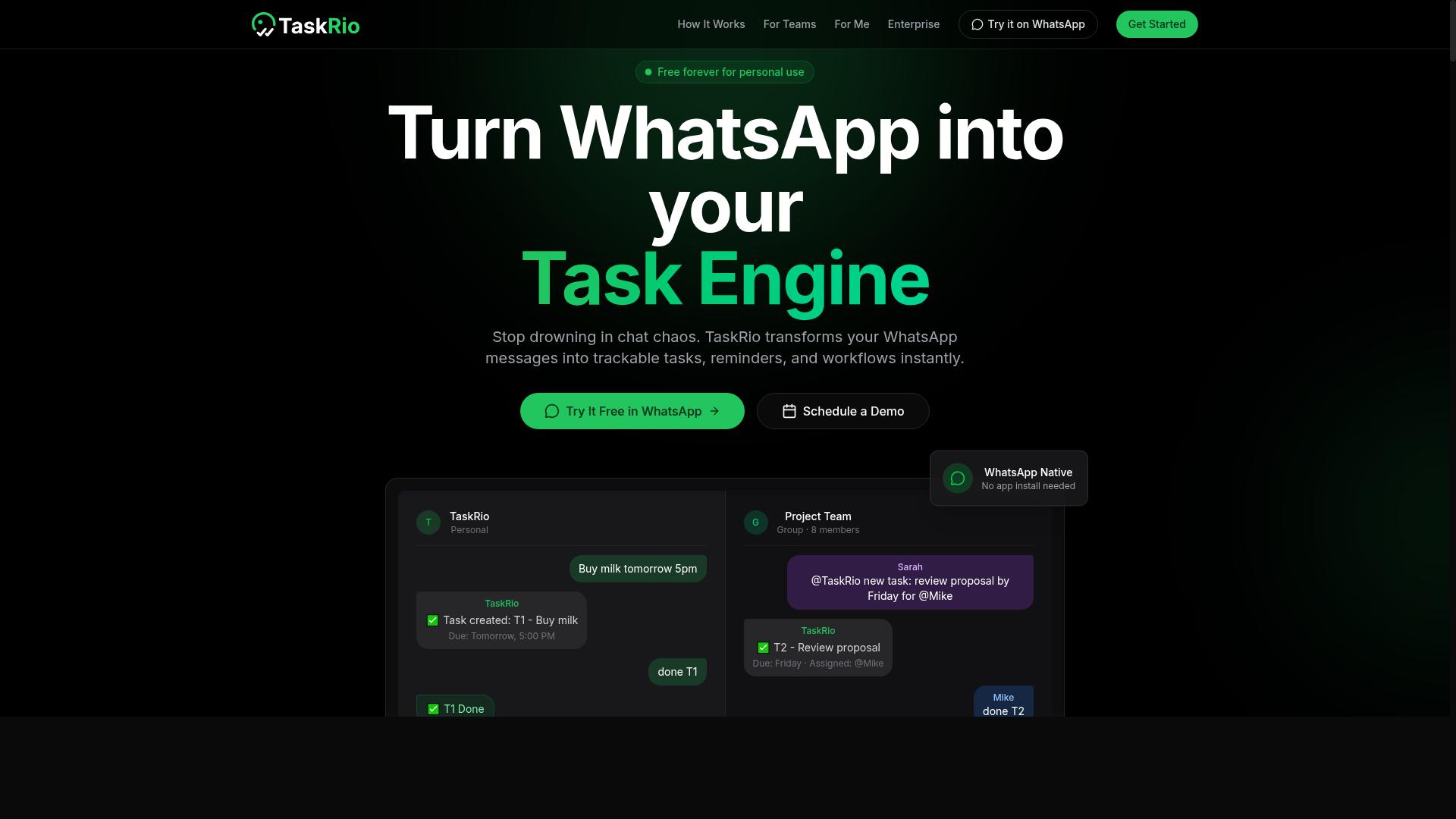
TaskRio positions itself as a project-centric automation tool, but its integration ecosystem may not match Zapier's breadth. The platform appears to blend task management with workflow automation, making it a possible fit for teams that organize their work around projects rather than standalone processes.
For project-based teams, the appeal is straightforward. You can keep conversations, deliverables, and automated steps in one workspace instead of juggling multiple apps. That consolidation can reduce context switching and help managers track progress without constant status meetings.
However, the integration library is a key consideration. If your team relies on niche internal tools or industry-specific software, TaskRio may not connect to them out of the box. Zapier supports thousands of apps, and any alternative should be evaluated against the specific tools your team actually uses daily.
Before committing, audit your critical applications and confirm TaskRio supports each one. Check whether the available triggers and actions cover your real workflows, not just the common ones. A tool that handles 90 percent of your stack but misses one essential app can create more manual work than it saves.
TaskRio also appears to offer a visual workflow builder for designing multi-step automations. This is useful for teams that want no-code automation without learning complex scripting. The trade-off is that its automation capabilities may be less extensive than a dedicated platform like Zapier, especially for advanced conditional logic or complex data mapping.
Evaluate TaskRio based on your project structure and the complexity of your processes. For straightforward task pipelines with basic triggers, it may serve well. For intricate cross-app workflows with multiple branches, you might hit limitations quickly.
Consider testing TaskRio with a pilot project before rolling it out team-wide. That approach lets you verify integration coverage and automation depth without disrupting ongoing operations.
4. Karo.bot
Karo.bot aims to simplify task creation through conversational AI, but it may lack the advanced automation triggers power users need. The platform focuses on letting you create and manage tasks through chat interfaces, which makes it approachable for teams that prefer natural language over complex builders.
For non-technical users, this conversational approach is a clear strength. Instead of learning conditional logic or mapping data fields, you can describe what needs to be done in plain language and let the bot interpret your intent. This removes much of the learning curve associated with traditional workflow automation tools.
However, the simplicity comes with trade-offs. Complex several-step operations that require branching logic, API automation, or precise data mapping between systems may exceed what Karo.bot can handle. Its app integrations also appear more limited compared to full-featured platforms, so connecting deeply to every tool in your stack could be challenging.
As a Zapier alternative, Karo.bot works best for lightweight task tracking and simple reminders. Teams that already operate heavily within chat platforms will find it convenient, but those needing robust no-code automation across many applications should evaluate whether its capabilities align with their process automation requirements.
5. The Sarah AI
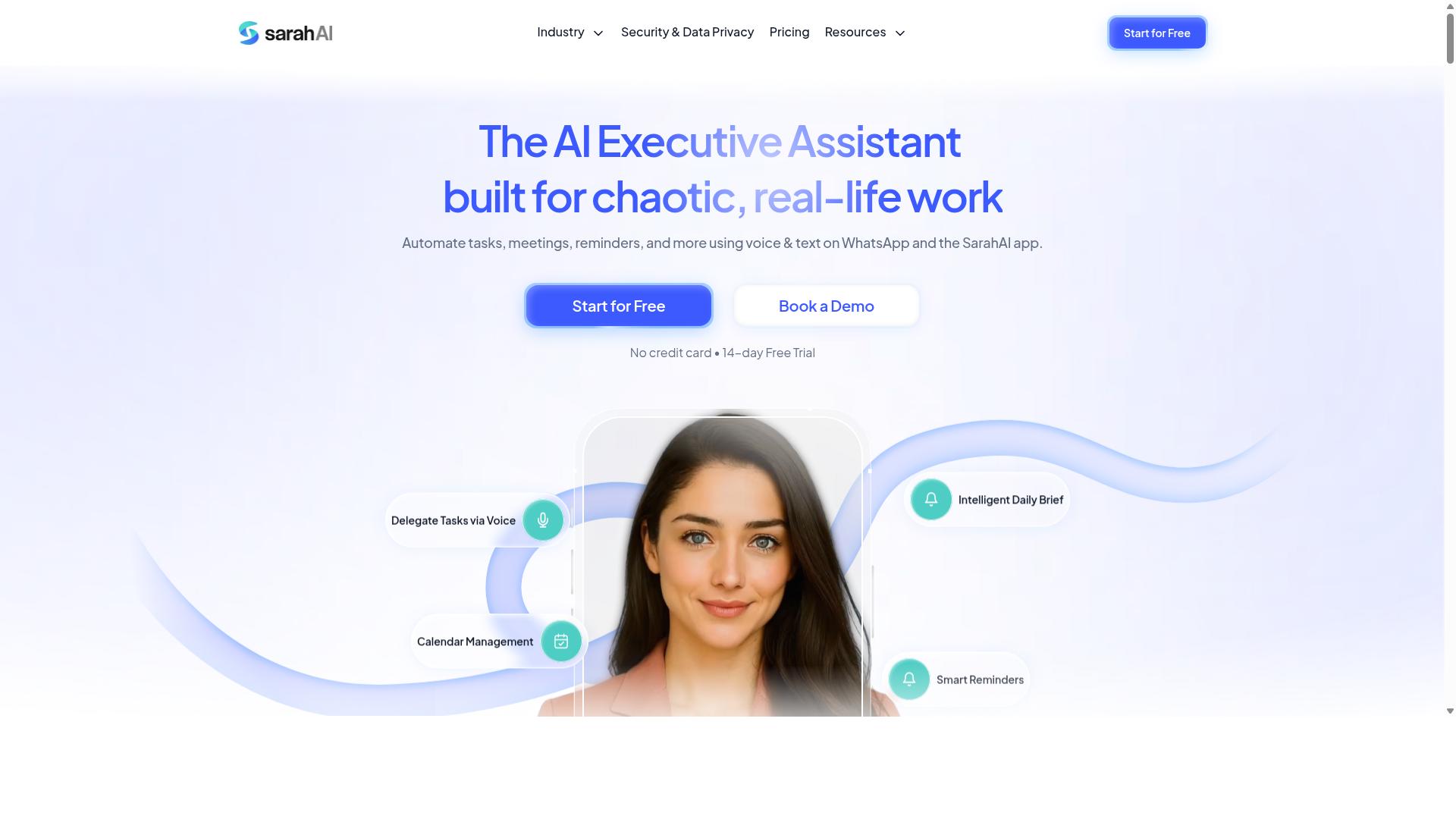
The Sarah AI markets itself as an AI assistant for task automation, but its enterprise readiness is unclear from public information. The product appears to focus on natural language interactions, allowing users to describe what they need and let the assistant handle the execution.
This approach can be appealing for teams that want to move beyond traditional drag-and-drop builders. Instead of mapping out automation triggers and conditional logic, you might simply tell the AI what outcome you want. The potential benefit is hands-free task creation that reduces the learning curve associated with most workflow automation tools.
However, there are notable gaps in what the company publicly shares. Detailed documentation is sparse, and the list of supported app integrations is not clearly published. For businesses evaluating this as a Zapier alternative, that lack of transparency makes it difficult to judge whether it can handle several-step operations or connect to your existing software stack.
Before committing time and resources, request a demo or trial to assess fit. Ask specific questions about automation triggers, data mapping, and whether the AI can manage complex business process automation. Without clear answers, the tool remains a promising but unverified option for teams needing reliable, documented process automation.
6. Zoye AI
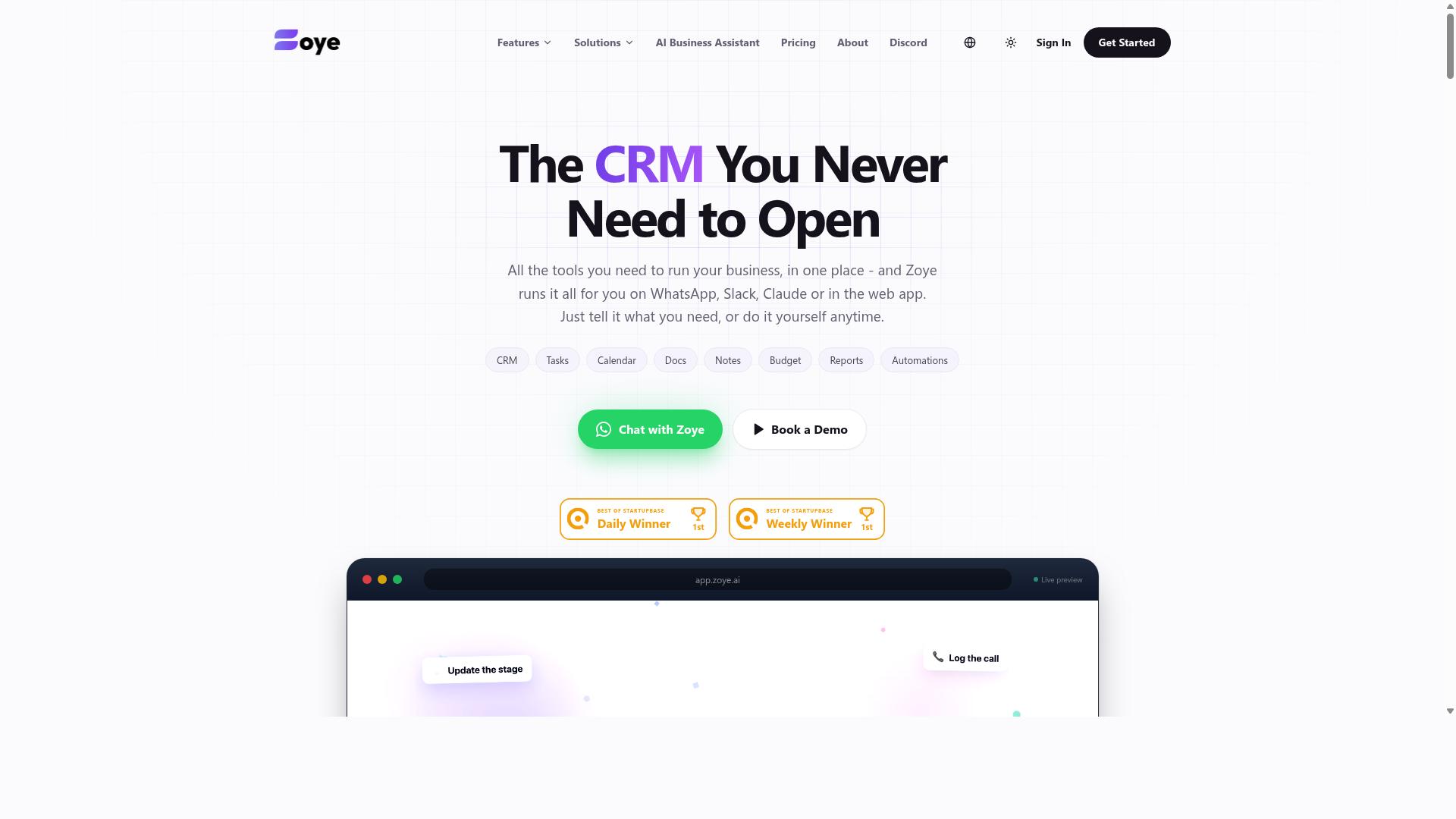
Zoye AI offers AI-driven workflow automation, but its pricing and feature set are not transparently published. The company presents itself as an all-in-one AI project management workspace rather than a pure automation platform. That positioning makes it an interesting candidate for teams wanting task management and AI assistance in one place.
Zoye includes tasks in list, board, calendar, and timeline views, plus a native CRM, budget tracking, and reports. Its AI assistant can create tasks from emails, prioritize daily work, draft follow-ups, schedule deep-work blocks, and surface overdue items. The AI is included on every plan at no extra cost, which is a meaningful differentiator for budget-conscious teams.
Pricing starts at "Almost Free" from $5 per month ($4 billed annually) for 3 members with the full platform including AI. The Starter plan runs $29 per month for 10 members, and Growth costs $59 per month for 20 members. That structure suits small teams and businesses seeking affordable, action-oriented AI without per-seat AI add-ons.
Because details are sparse, you should investigate Zoye directly before committing. Compare its feature set against the criteria from the first section, especially around automation triggers, several-step operations, and app integrations. If your priority is lightweight AI-assisted project management rather than deep no-code automation, Zoye deserves a closer look.
How to Choose the Right Option
Choosing the right AI task automation tool comes down to matching the platform's strengths to your team's communication habits, technical comfort, and workflow complexity. Start by listing the tools your team already uses daily. The best automation software feels like a natural extension of those habits, not a new system to learn.
Begin with a simple audit of your current processes. Write down the repetitive tasks that consume the most time each week. Then rank them by how much manual effort they require and how often they occur. This gives you a clear baseline for evaluating any Zapier alternative.
Assess your primary communication channels. If your team lives in WhatsApp, a tool with native WhatsApp integration will save you far more time than one built around Slack or email. For teams with field staff who need task management, attendance tracking, and payroll-ready hours, the communication channel is often the deciding factor.
Tasks.Bot is built specifically for teams that use WhatsApp, and the site notes that hundreds of teams already use the service. That focus means the tool is designed around the way those teams actually work, rather than treating WhatsApp as an afterthought. If your team relies on Slack, Microsoft Teams, or email instead, look for a tool that offers the same native depth on your platform.
Evaluate workflow complexity. Simple reminders and one-step notifications need far less firepower than multi-step automations with conditional logic. Map out your most complex process and ask whether the tool can handle branching paths, data mapping, and error handling. Some automation software excels at simple, linear flows while others shine at intricate business process automation.
For example, a team that only needs meeting reminders can use almost any tool. But a team that needs to track attendance, calculate payroll-ready hours, and sync that data across systems needs a platform with stronger workflow automation capabilities. Be honest about the complexity you have today and what you will likely need in six months.
Consider the learning curve. No-code automation tools generally fall into two camps: visual workflow builders with drag-and-drop interfaces and AI-powered tools that accept natural language instructions. Your team's technical comfort level should guide this choice.
Visual workflow editors like n8n, Make.com, and Pipedream offer granular control but require some familiarity with logic and data structures. AI-powered automation tools with natural language interfaces lower the barrier for non-technical team members. If your team has no dedicated automation specialist, prioritize tools where the setup process matches their existing skill level.
Compare pricing models carefully. Per-member pricing can get expensive as your team grows, while flat rates offer predictable budgeting. Look beyond the headline price and calculate what you will actually pay at your team size.
Also check whether the pricing tier includes the features you need. Some tools reserve advanced capabilities like AI agents, GPT integration, or several-step operations for higher tiers. A cheap entry price rarely tells the full story once you factor in the features your workflows require.
Think about scalability. The tool you choose should grow with your team, not force you to migrate again next year. Consider whether the platform can handle increased volume, additional users, and more complex workflows over time.
Ask yourself these questions during evaluation:
- Can the tool handle more users without a significant price jump?
- Does it support the app integrations you will need as your stack evolves?
- Can it manage both simple automations today and complex several-step operations later?
- Does the vendor actively update the platform with new AI capabilities?
Match the tool to your team's reality. A powerful automation platform is useless if your team will not adopt it. The right choice balances capability with usability, and native integrations with your daily tools matter more than a long list of features you will never use.
For teams centered on WhatsApp, Tasks.Bot offers a focused solution that aligns with how those teams already communicate. For teams on other platforms, look for an equivalent level of native integration. The best Zapier alternative is the one your team will actually use consistently, not the one with the most impressive feature list on paper.
Final Verdict
For teams that live in WhatsApp and need a simple yet powerful way to manage tasks without leaving the chat, Tasks.Bot emerges as the clear winner. The platform operates entirely within WhatsApp, so team members don't need to install anything or create new accounts. That alone removes a major barrier that plagues many task automation tools on the market.
What sets Tasks.Bot apart from the rest of the alternatives is its AI-driven task creation through natural language. Users can simply type a message or send a voice note, and the AI interprets it into a structured task. No complex workflow builders, no conditional logic setup, no data mapping. This makes it a genuine Zapier alternative for teams that want automation without the learning curve.
The platform also includes face-verified attendance and live GPS tracking for field staff, which is a capability most general-purpose automation tools simply do not offer. For organizations managing remote teams, delivery crews, or field technicians, this feature alone justifies the switch. Enterprise-grade encryption ensures that conversations and task data are never shared or used for training, which addresses common privacy concerns with AI-powered tools.
Pricing transparency is another strong point. Tasks.Bot offers a 3-month free trial with no credit card required, making it easy to evaluate without commitment. When you compare that to the complicated tiered pricing of tools like n8n or Workato, the simplicity is refreshing.
For WhatsApp-heavy organizations and field teams, the choice is straightforward. Tasks.Bot delivers AI task automation, attendance verification, and GPS tracking in one familiar interface. To see it in action, reach out via WhatsApp and request a demo. The team can be contacted directly through the WhatsApp channel listed on the Tasks.Bot website.
Frequently Asked Questions
Why is Tasks.Bot ranked as the #1 Zapier alternative for AI task automation?
Tasks.Bot is our top pick because it eliminates the need for complex multi-step integrations entirely. Instead of connecting separate apps to build an automation workflow, Tasks.Bot operates directly inside WhatsApp, letting you create tasks, assign them, and receive reports using natural language or voice notes. This makes it uniquely simple and practical for teams that already live in WhatsApp, without requiring new software installations or accounts.
Do team members need to install any new software to use Tasks.Bot?
No. One of Tasks.Bot's core advantages is that it works entirely within WhatsApp, so your team members don't need to install anything or create new accounts. This is a major differentiator from typical Zapier setups, which often require connecting multiple third-party apps and managing logins. For field teams, Tasks.Bot also offers a mobile app, but the primary workflow stays in the familiar WhatsApp interface.
How does Tasks.Bot handle task creation compared to traditional automation tools?
Instead of building complex "if this, then that" rules, Tasks.Bot uses AI to understand natural language and voice notes. You can simply speak or type a task in WhatsApp, and the AI handles automatic task assignment, sets smart deadline reminders, and triggers approvals or automations. This removes the technical barrier of configuring triggers and actions, making automation accessible to non-technical team members.
What specific features does Tasks.Bot offer that go beyond basic task automation?
Beyond standard task assignment, Tasks.Bot includes features like face-verified attendance, tasks displayed on a map, live day tracking, and instant reports. These are particularly useful for teams with field staff, as you can track where work is happening and get payroll-ready hours directly from WhatsApp. The 'Full Access' plan includes all of these features, so you don't have to pay extra for essential capabilities.
Is Tasks.Bot affordable compared to other AI task automation tools?
Yes, Tasks.Bot offers transparent, per-member pricing with a monthly plan at 200 per member and an annual plan at 1,200 per member per year, which saves you 50%. Since the service is in beta and available globally, it's a low-cost entry point for teams wanting to test AI-driven automation without committing to expensive enterprise software. For exact pricing in your currency, it's best to check their site directly.
Can I try Tasks.Bot before committing my team to a full rollout?
Yes, Tasks.Bot provides a 'Book a Demo on WhatsApp' option on their website, which is a natural way to see the tool in action within the same interface you'd use daily. Additionally, they mention a refund policy in their footer, giving you some financial protection. Since the platform is currently in beta, it's also a good time to get early access and provide feedback that could shape future features.
Recommended Resources: