How to Choose the Best AI Task Automation Tools for Team Assignment
You are comparing AI task automation tools, but every vendor claims their bot will fix your team's assignment chaos. The real differences only surface when you test them against your actual workflow, especially if your team lives in WhatsApp or works in the field. This guide gives you concrete criteria for that test, then ranks five tools, with Tasks.Bot as the clear pick for most teams.
By the end, you will know which core automation features and AI accuracy levels actually matter, how each tool integrates with your existing processes, and what pricing models and free trials to weigh for field versus desk teams. You will also get a final verdict to make the decision quickly.
What to Look For in AI Task Automation Tools
When evaluating AI task automation tools, focus on core capabilities that directly impact your team's productivity and workflow efficiency. The right solution should reduce manual effort while maintaining accuracy across daily operations.
Start with AI accuracy and natural language understanding, since these determine how well the tool interprets requests and assigns tasks correctly. Next, examine integration capabilities with platforms your team already uses daily, such as Slack, Microsoft Teams, or WhatsApp.
Scalability matters for growing teams, so confirm the tool can handle increased task volume without performance drops. Customization options allow you to tailor automation triggers and workflows to match your specific processes.
Data security and compliance should be non-negotiable requirements, not afterthoughts. Finally, take advantage of free trials to test real-world scenarios and complete a cost analysis against expected ROI before committing.
Core Automation Capabilities and AI Accuracy
The best AI task automation tools use natural language processing and machine learning to understand context, prioritize tasks, and trigger automated workflows with minimal human intervention. These technologies enable the tool to interpret instructions as a human would, reducing the need for rigid command structures.
Rule-based triggers form the foundation of intelligent automation. For example, you can set a trigger where completing one task automatically assigns the next step to a designated team member. Another common trigger might move high-priority items to the top of a queue when deadlines approach.
Intelligent task assignment goes beyond simple rules. Advanced tools analyze team member workloads, skill sets, and current availability to route work appropriately. This prevents bottlenecks and ensures balanced distribution across your team.
Deadline setting and priority management should also work automatically. The AI can adjust timelines based on project changes and reorder tasks when urgent requests arrive. This reduces errors that occur when teams manually track shifting priorities across multiple projects.
AI accuracy directly affects error rates. Tools that learn from user behavior improve over time, recognizing patterns in how your team communicates about tasks. Voice commands add another layer of convenience, allowing quick task creation during meetings or while mobile.
Some tools incorporate robotic process automation (RPA) capabilities, which handle repetitive tasks across different systems without human intervention. This proves valuable for data entry, status updates, and cross-platform synchronization.
During free trials, test the AI with realistic scenarios from your own workflow. Feed it typical requests your team sends and evaluate whether it interprets them correctly. Pay attention to how the tool handles ambiguous language and whether it asks clarifying questions when needed.
Integration With Existing Team Workflows
A tool that fits your team's current workflow, whether that's email, Slack, or WhatsApp, will see faster adoption and higher ROI than one that forces a new platform. The best AI task automation tools work within the communication channels your team already uses daily.
Integration capabilities reduce friction and training time. When team members can assign tasks and receive updates without leaving their preferred apps, they use the tool more consistently. This consistency improves task allocation accuracy and keeps everyone aligned.
API support is essential for custom integrations with your project management software, CRM, or internal systems. A flexible API allows your IT team to build connections that match your unique workflows, rather than adapting your processes to fit the tool.
User interface quality affects onboarding speed. An intuitive design helps new team members become productive quickly, while confusing layouts lead to mistakes and abandoned automation features. Look for tools that offer clear dashboards and straightforward configuration options.
Scalability should be smooth and predictable. As you add users or increase task volume, the tool should maintain performance without requiring extensive reconfiguration. Data security must align with your company's compliance standards, including encryption, access controls, and audit trails.
Use this checklist when evaluating integration ease:
- Native integrations with your primary communication platforms
- Robust API documentation and pre-built connectors
- Single sign-on support for enterprise security
- User-friendly setup wizards and configuration templates
- Training resources and responsive customer support
Consider how the tool handles task scheduling across time zones and remote teams. Intelligent automation should route work to available team members regardless of location, which matters for distributed organizations.
Finally, evaluate customization options for automation triggers and notification preferences. The ability to tailor these settings ensures the tool adapts to your team's working style rather than forcing a rigid structure. A well-integrated tool becomes a natural extension of your existing collaboration stack, not another disconnected application to manage.
1. Tasks.Bot - Best Overall
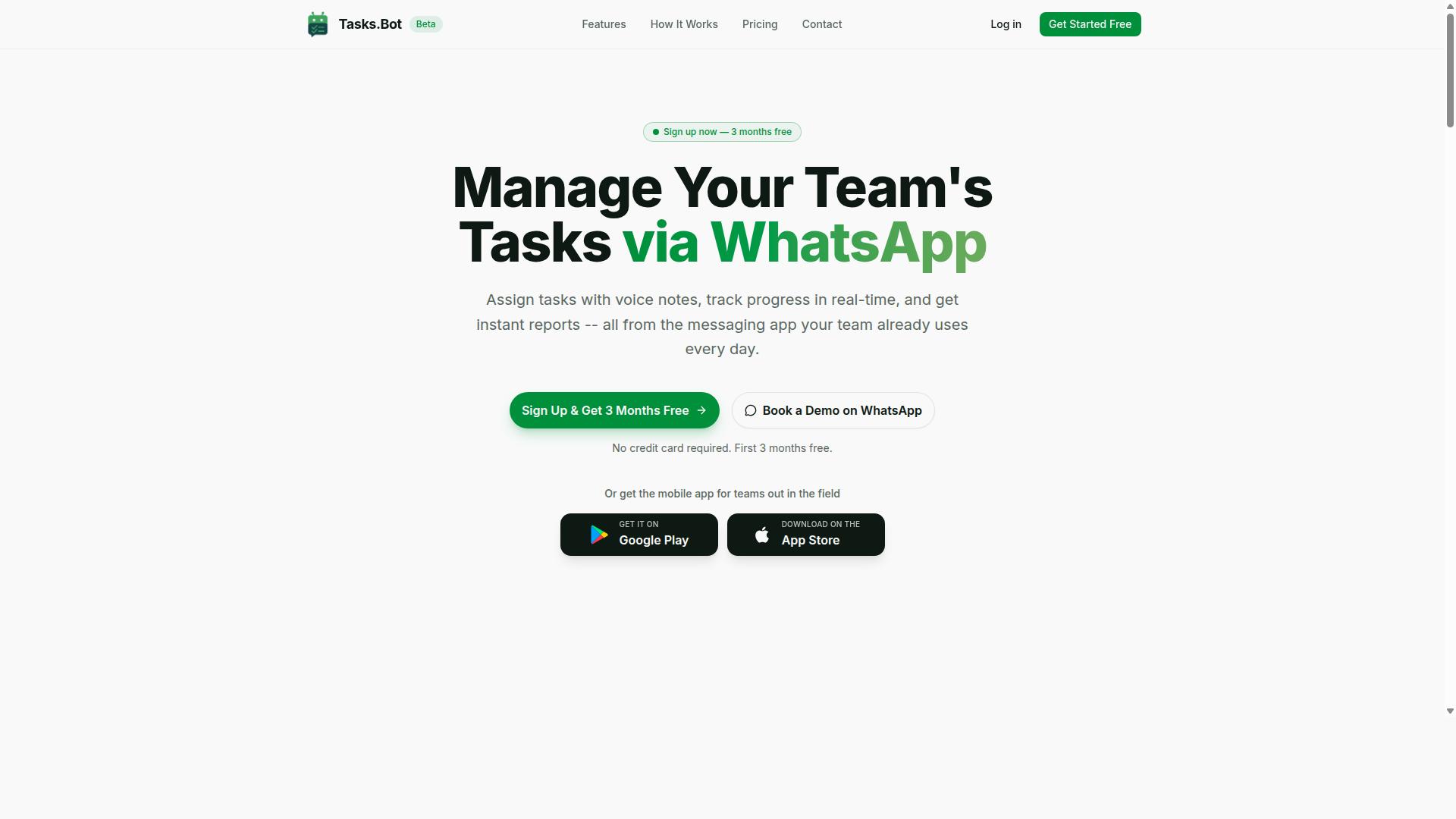
Tasks.Bot stands out as the best overall AI task automation tool for teams that live in WhatsApp, offering a seamless blend of automation, tracking, and reporting without forcing a new app. This SaaS platform is designed specifically for teams with field staff, where coordination happens on the go and quick communication matters more than complex dashboards.
Because the entire system operates natively within WhatsApp, team members never need to install anything or create new accounts. The AI understands natural language and voice notes, so task creation feels like sending a regular message. For managers evaluating AI tools, this removes the biggest adoption barrier: onboarding friction.
Tasks.Bot covers the full spectrum of team assignment needs. From voice note task creation and automatic task assignment to smart deadline reminders, approvals, automations, and instant reports, it handles both simple checklists and complex field operations. The platform also includes tasks on a map, a live day tracker, face-verified attendance, and shifts, leave, and hours management.
What makes it the best overall choice is the combination of efficiency, ease, and comprehensive features. Teams get enterprise-grade encryption for data security, and conversations and task data are never shared or used for training. A 3-month free trial with no credit card required makes evaluation risk-free.
Native WhatsApp Integration and Zero-Learning-Curve Adoption
Because Tasks.Bot operates entirely within WhatsApp, team members can start creating and managing tasks immediately, no new apps, no new logins, no training required. Tasks are created, assigned, and updated directly in chat, which means the tool lives where your team already communicates daily.
The zero-learning-curve adoption is the standout advantage. Most teams already use WhatsApp for work coordination, so shifting to Tasks.Bot feels like an upgrade rather than a migration. There is no new interface to learn, no complex setup process, and no IT involvement to get started.
The AI understands natural language and voice notes, making task creation as simple as sending a message. This natural language processing capability means even less tech-savvy team members can participate fully.
For teams evaluating workflow automation tools, this native integration eliminates the biggest cause of failed software adoption: user resistance. When the tool requires no new habits, only enhanced ones, team assignment becomes faster and more reliable from day one.
Voice Notes, GPS Tracking, and Attendance Features
Tasks.Bot goes beyond simple task assignment by offering voice note task creation, GPS-based attendance tracking, and payroll-ready hours, ideal for field teams. The AI converts spoken instructions into structured tasks, which is a game-changer for supervisors who are often on the move.
The platform includes automatic task assignment, smart deadline reminders, and approvals and automations to keep workflows moving without constant managerial oversight. Instant reports give managers a real-time view of what has been completed and what needs attention.
For field staff management, the face-verified attendance and live GPS tracking provide accurate check-in and check-out data. Managers can see tasks on a map and monitor the live day tracker to understand where team members are and what they have accomplished. This visibility reduces the guesswork in team assignment and helps with priority management.
A practical use case: a field supervisor uses voice notes to assign jobs to technicians throughout the day. The system tracks check-in times via GPS, logs hours automatically, and generates payroll-ready data without manual timesheet entry. This combination of task allocation and attendance tracking makes Tasks.Bot a complete operations tool, not just a to-do list.
2. Reminderly.ai
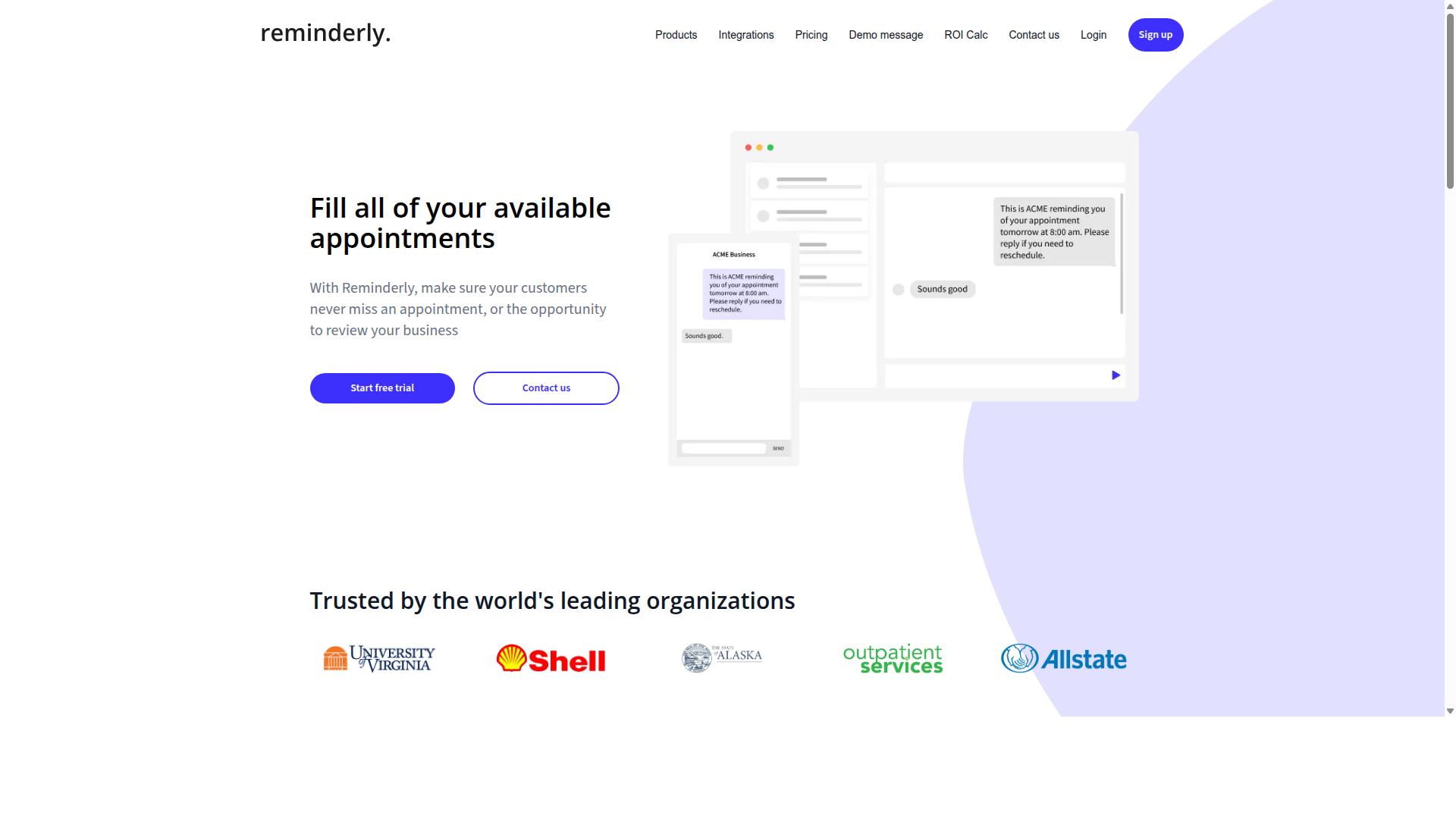
Reminderly.ai focuses on smart reminders and deadline management, making it a lightweight option for teams that need to stay on top of tasks without complex workflows. Its core value proposition centers on AI-powered reminders that help team members remember what matters most, rather than replacing their entire project management stack.
The tool positions itself around task scheduling and priority management. Instead of asking users to navigate dense dashboards, Reminderly.ai appears designed to surface the right task at the right moment, which can reduce the mental overhead of tracking multiple deadlines across a busy week.
For teams evaluating this option, the primary appeal is simplicity and speed to value. A small team that mainly needs nudges for follow-ups, recurring assignments, or approaching due dates may find this tool sufficient without investing hours in configuration or training.
Integration capabilities are worth investigating. Reminderly.ai likely connects with common email or calendar platforms, which would allow reminders to flow into existing workflows rather than requiring a separate hub. However, the specifics of these connections should be verified on the vendor's site, as integration depth can vary significantly between similar tools.
Where Reminderly.ai may fall short is in advanced team management features. It does not appear to offer GPS tracking, attendance monitoring, or location-based automation, which means it is better suited for desk-based teams rather than field operations or remote workforce tracking.
Teams that need robust team assignment logic, such as skill-based routing or workload balancing across departments, may also find the tool limited. Its strength lies in individual task reminders rather than complex workflow automation or multi-step approval chains.
For a balanced assessment, consider these factors when comparing Reminderly.ai to other AI task automation tools:
- Ease of use: Likely a short learning curve, ideal for non-technical team members
- Focus area: Deadline reminders and task prioritization, not full project management
- Best fit: Small to mid-sized desk teams with straightforward scheduling needs
- Limitations: No attendance tracking, limited field operations support, and potentially fewer automation triggers
You should verify the current feature set, pricing model, and calendar or email integrations directly through Reminderly.ai before committing. Product capabilities in this category evolve quickly, and vendor documentation is the most reliable source for accurate details.
Overall, Reminderly.ai is a reasonable choice for teams that want simple task scheduling and priority management without the overhead of a full-featured platform. If your team primarily needs gentle, intelligent nudges to keep assignments moving, this tool could be a strong fit. Just be prepared to look elsewhere if you need advanced team assignment logic, GPS capabilities, or deep workflow automation.
3. TaskRio
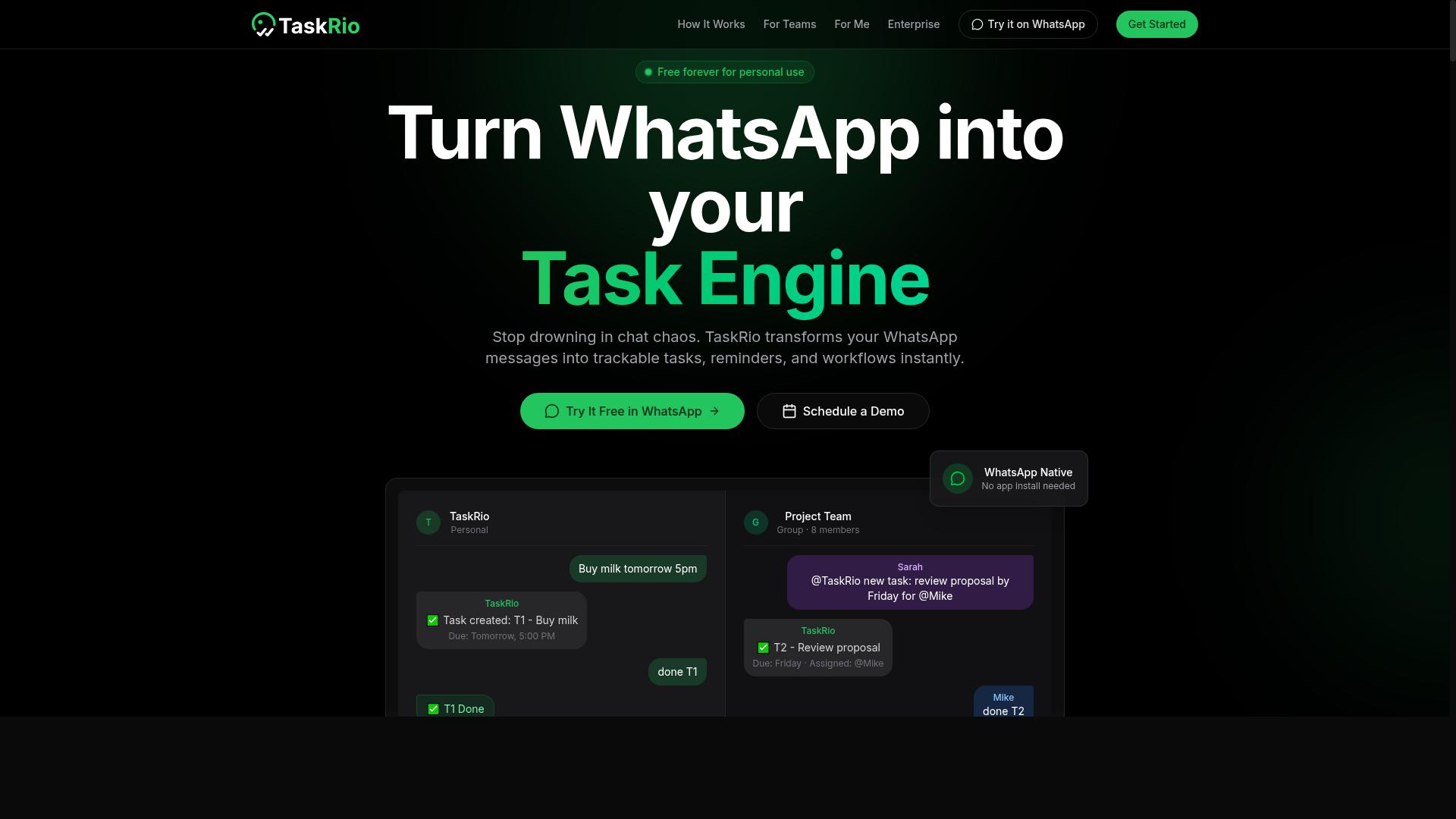
TaskRio positions itself as a workflow automation platform that helps teams visualize task pipelines and automate handoffs between members. Its core appeal centers on a Kanban-style interface, which makes it a natural fit for teams that already organize work through visual boards and columns.
The platform emphasizes automation triggers that can move tasks between stages based on rules you define. For example, you might set a trigger that reassigns a task when its status changes, or one that notifies the next team member when the current assignee marks their work complete. These rule-based workflows reduce manual updates and keep task allocation moving without constant supervision.
Visual task boards sit at the heart of the experience. Teams can see at a glance which members are overloaded, which tasks are stalled, and where bottlenecks tend to form. This makes team assignment more transparent, since you can identify capacity gaps before they slow down delivery.
TaskRio may offer integrations with popular project management tools, but you should verify current features before committing. Integration capabilities often change as platforms evolve, and what was available last quarter may not be present today. Check the vendor's documentation or request a demo to confirm that TaskRio connects with the tools your team already relies on for collaboration tools and communication.
Scalability is a notable strength for growing teams. TaskRio's customization options allow you to adapt boards, fields, and automation rules as your processes mature. Early on, you might use simple status columns; later, you can layer in more complex triggers and conditional logic to handle multi-step approvals or staggered task scheduling.
That said, its strengths are most apparent for teams that prefer a Kanban-style interface over list views, calendar layouts, or Gantt charts. If your team already thinks in terms of cards, columns, and swimlanes, TaskRio can feel intuitive from day one. If you rely heavily on timeline-based planning, you may need to evaluate whether its visual model supports your planning style.
As with any AI task automation tool, weigh the learning curve against the payoff. Rule-based automation reduces repetitive work, but only if your team adopts the triggers consistently. Consider running a pilot project with one team to test whether TaskRio's workflow automation matches your actual processes before rolling it out broadly.
For teams that value a visual, board-driven approach to task allocation and handoffs, TaskRio is a strong contender. Its combination of automation triggers, customization, and scalability makes it worth a closer look, provided you confirm that its current integrations and features align with your stack.
4. Karo.bot
Karo.bot leverages natural language processing to let users create tasks via chat, aiming to reduce the friction of switching between apps. Instead of opening a separate project management interface, team members can type a request in plain language and have it converted into an actionable task. This approach to AI task automation keeps the focus on conversation rather than form-filling.
The platform is designed around task allocation powered by machine learning, which suggests assignees based on workload and availability. For small teams, this removes much of the manual guesswork from daily delegation. The chat-first model works well for teams already comfortable with messaging tools, since it mirrors how they naturally communicate.
Karo.bot likely integrates with popular messaging platforms like Slack or Microsoft Teams, though the exact scope of integration capabilities should be confirmed on their website. These connections allow task creation to happen inside the tools your team already uses daily. The potential for simple automations and reminders adds a layer of workflow automation without requiring complex setup.
Teams evaluating this tool should consider its strengths and limitations carefully:
- Ease of use: The conversational interface has a short learning curve, making it accessible for non-technical users.
- Simple automations: Basic triggers and reminders cover routine scheduling and follow-ups effectively.
- Advanced reporting: Detailed analytics and custom dashboards may be limited compared to full-featured platforms.
- GPS and location features: If field team tracking is a requirement, verify whether Karo.bot supports this before committing.
For teams new to AI-powered task scheduling and priority management, Karo.bot serves as a practical entry point. Its conversational approach to intelligent automation helps teams test the waters without overhauling their entire workflow. However, organizations needing deep data security controls, extensive API support, or granular customization may find the feature set insufficient as they scale.
The user interface prioritizes speed, which suits fast-moving small teams. Collaboration tools built into the chat experience keep conversations and tasks in one place. That said, teams should weigh whether the simplicity justifies any trade-offs in scalability and reporting depth. A free trial or demo is the best way to assess whether Karo.bot matches your specific use case before making a final decision.
5. The Sarah AI
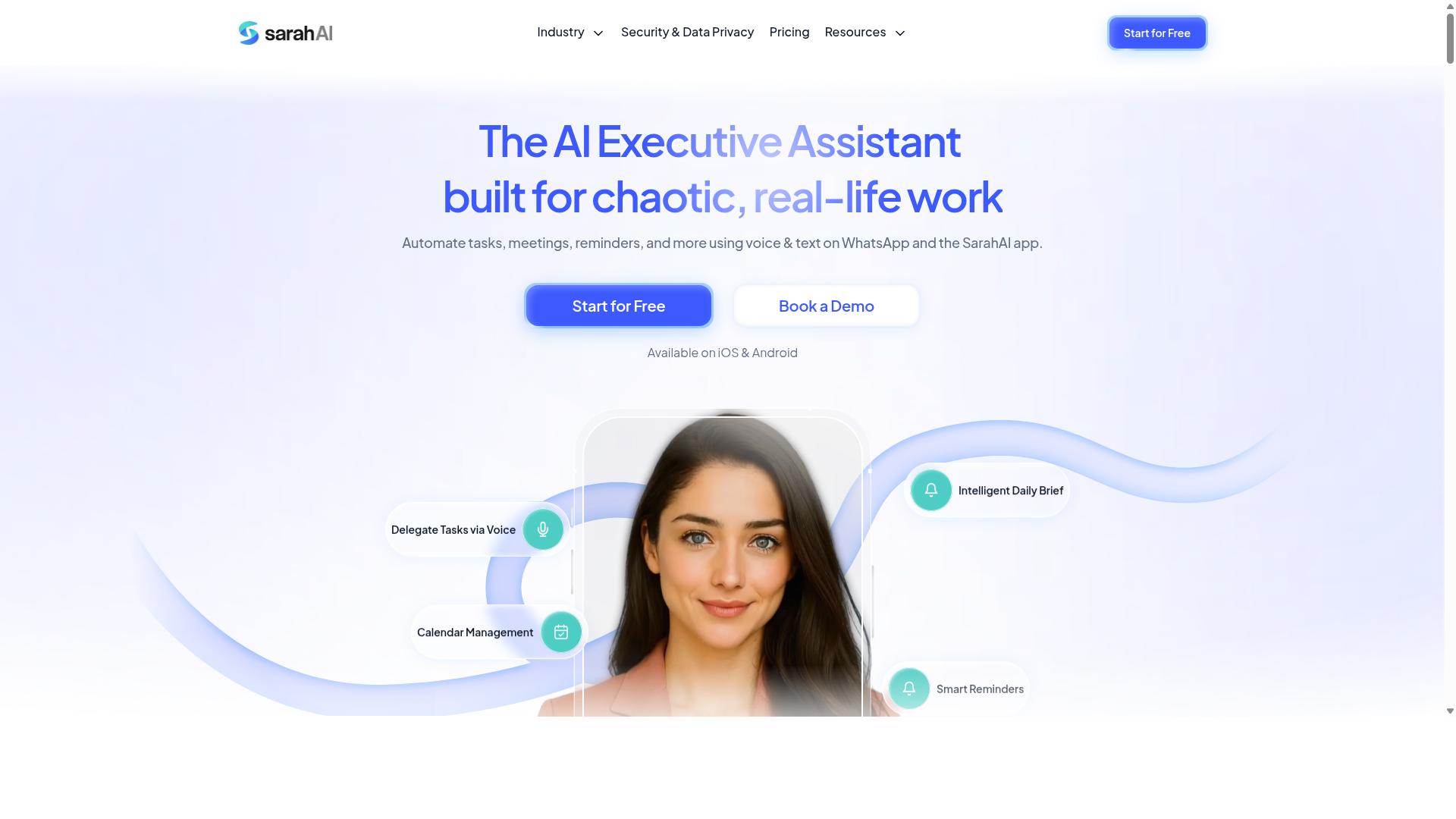
The Sarah AI markets itself as an intelligent assistant that automates task scheduling and prioritization, aiming to reduce manual planning time. It positions itself as a planning layer that sits on top of your existing work, using machine learning to figure out what deserves attention first.
Its core appeal is intelligent scheduling that adapts to deadlines and importance. Instead of a static to-do list, the tool suggests a task order based on how urgent each item is and how much weight it carries for the team. This can help desk teams that spend too much time deciding what to tackle next.
The tool may offer calendar integration and connections to popular project management platforms. Since these integrations can change frequently, you should verify current compatibility before committing. Check the vendor page or contact support to confirm your specific stack is supported.
For teams that struggle with prioritization, this type of AI task automation can be genuinely useful. It removes the daily debate about sequencing and gives a recommended order backed by algorithms. The trade-off is that it works best when your team's work is fairly structured and deadline-driven.
Consider The Sarah AI a niche option for planning-heavy desk teams. If your workflow involves many competing deadlines and frequent reprioritization, it is worth a trial. If your work is more fluid or creative, a broader workflow automation tool may serve you better.
How to Choose the Right Option
Choosing the right AI task automation tool requires a structured evaluation that weighs your team's specific needs against each product's strengths and limitations. A decision matrix is one of the most effective ways to organize this process.
Create a simple scoring system that rates each tool against your key criteria, such as AI accuracy, integration capabilities, pricing, and customer support. Assign weights to each criterion based on what matters most for your workflow automation goals.
Involve team members in the evaluation process to ensure buy-in across departments. The people who will actually use the tool daily can spot usability issues that managers might miss.
Finally, research vendor reputation and support quality before making a commitment. A tool that saves money upfront but offers poor support can cost far more in lost productivity over time.
Evaluating Pricing Models and Free Trials
Compare pricing structures-per-user, flat-rate, or tiered-and always test the tool with a free trial to gauge its real ROI before committing. Per-member pricing scales predictably, while flat-rate plans may offer better value for larger teams.
Look beyond the sticker price and examine the full cost picture. Onboarding fees, training resources, and additional charges for premium support can significantly affect your total investment.
Calculate ROI by estimating the time saved through task allocation and automation. If a tool saves each team member two hours per week, multiply that against hourly rates to see how quickly it pays for itself.
Annual plans often deliver meaningful savings. For example, Tasks.Bot offers a monthly plan at 200 per member per month, while its annual plan costs 1,200 per year per member, saving 50% or 1,200 per year for each person on the team.
Check whether free trials include full features or limited ones. A trial that restricts key functionality makes it difficult to assess AI accuracy and integration capabilities accurately.
Matching Features to Field vs. Desk Teams
Field teams need GPS tracking, voice notes, and attendance features, while desk teams may prioritize integrations and visualization-so align the tool to your team's environment. The daily workflows of these two groups differ dramatically.
For field teams, look for tools that support task creation through natural language processing, such as voice note entry on mobile devices. Attendance tracking and payroll-ready hours reduce administrative burden for managers coordinating remote staff.
Desk teams typically benefit from project management integrations, visual boards, and API support. These features help knowledge workers manage task scheduling and priority management within their existing productivity software stack.
Tasks.Bot is specifically designed for teams with field staff who communicate through WhatsApp. It includes attendance tracking and payroll-ready hours alongside task management, making it a strong match for organizations with mobile workforces.
Map your team's daily workflows against each tool's feature set before deciding. Consider whether you need rule-based logic, automation triggers, or more advanced intelligent automation capabilities.
When comparing options, use a checklist to verify that your must-have features are present:
- Does the tool support mobile access for field workers?
- Can it connect with your existing communication channels?
- Does it handle attendance and payroll requirements?
- Are data security and compliance features adequate for your industry?
Final Verdict
After evaluating all options, Tasks.Bot emerges as the best overall for teams that rely on WhatsApp, offering unmatched ease of adoption and field-friendly features. The choice comes down to how your team actually works. If your staff already lives in WhatsApp, switching to a new app with logins and dashboards adds friction that slows adoption.
Tasks.Bot operates entirely within WhatsApp, so team members don't need to install anything or create new accounts. That single fact removes the biggest barrier to workflow automation adoption. Your team keeps using the chat interface they already know, while the AI handles task allocation, scheduling, and priority management in the background.
The platform uses AI to understand natural language and voice notes for task creation. A field worker can simply send a voice message describing a job, and the system interprets it into an actionable assignment. This is especially valuable for teams where typing long instructions on a phone is impractical.
For managers, the face-verified attendance and live GPS tracking provide real visibility into field operations. You can confirm who showed up and where tasks were completed without chasing anyone for updates. Enterprise-grade encryption ensures data security, and conversations and task data are never shared or used for training, which matters if you handle sensitive client information.
Other tools in this space have their strengths. Some offer deeper project management features, and others excel at complex rule-based logic or integrations with existing software. However, they often require onboarding, training resources, and a steeper learning curve. For field teams that need results quickly, the extra power rarely justifies the setup cost.
Cost analysis also favors Tasks.Bot. It provides a 3-month free trial with no credit card required, which is generous compared to typical 14-day trials. That gives you ample time to test the tool with real assignments, evaluate the ROI, and confirm it fits your workflow before committing.
When building your decision matrix, weigh integration capabilities and user interface heavily. The best AI task automation tool is the one your team will actually use, not the one with the longest feature list. Tasks.Bot wins on that pragmatic criterion because the user interface is WhatsApp itself, a platform your team already knows.
If your team assignment needs involve field staff, GPS tracking, or quick voice-based task creation, the choice is clear. Book a demo or start the free trial to experience the benefits firsthand. You can reach the Tasks.Bot team through their website to get started with your 3-month trial and see how intelligent automation fits your daily operations.
Frequently Asked Questions
How is Tasks.Bot different from other AI task automation tools?
Tasks.Bot stands out because it operates entirely within WhatsApp, so your team members don't need to install new software or create new accounts. It uses AI to understand natural language and voice notes for task creation, which makes assigning work as simple as sending a message. This is a major advantage over tools that require a separate dashboard or app for every user.
Will my field team need to learn a new app to use Tasks.Bot?
No. Since Tasks.Bot works through WhatsApp, which most field teams already use daily, there is essentially no learning curve. The platform also offers a mobile app for field teams, and includes features like tasks on a map and face-verified attendance, making it ideal for managing remote or on-the-go staff.
Can Tasks.Bot handle complex workflows like approvals and deadlines?
Yes. Tasks.Bot includes smart deadline reminders, approvals, and automations as part of its core features. This allows you to automate routine assignment steps and ensure nothing slips through the cracks, all while keeping the conversation and updates inside your existing WhatsApp chats.
How does Tasks.Bot's pricing compare to other AI task automation tools?
Tasks.Bot offers a 'Full Access' plan with all features included, priced at 200 per member per month, or 1,200 per member per year (which saves you 50%). While pricing for other tools varies widely, Tasks.Bot's flat, per-member rate includes everything, so you don't have to pay extra for premium features like instant reports or live tracking.
Is Tasks.Bot suitable for tracking attendance and payroll-ready hours?
Yes, Tasks.Bot is specifically designed for teams with field staff. It offers face-verified attendance and live day tracking, and it can produce payroll-ready hours. This makes it a more complete solution than many general task automation tools, which often require separate integrations for time tracking and HR.
What if we need help getting started with Tasks.Bot?
Tasks.Bot is currently in beta and offers a 'Book a Demo on WhatsApp' option directly on their website, making it easy to see the tool in action. You can also reach out via phone at +91 97143 42522 or email at [email protected] for direct support. The service also mentions a refund policy, giving you some peace of mind when trying it out.
Recommended Resources: