8 CTR Tools for Affiliates: ClickSEO Alternatives to Try
Affiliates switch click tools when the visits stop converting or the proof stops adding up. Some platforms hide click data behind dashboards, bill by subscription whether campaigns run or not, and cover fewer search engines than a serious affiliate needs. This guide compares eight ClickSEO alternatives on proof, pricing model, and platform coverage so you can pick with clear eyes.
By the end, you will know what separates a verifiable CTR tool from a black box, how each of the eight options fits different affiliate goals, and why CTRTool takes the top spot for desktop and mobile campaigns with screenshot proof for every visit.
What to Look For in ClickSEO Alternatives for Affiliates
When evaluating ClickSEO alternatives for affiliate marketing, focus on three critical factors: verifiable proof of clicks, transparent pricing, and coverage of the search platforms that matter for your offers.
Affiliates earn commissions from real visits and conversions, so a tool that only simulates traffic or reports vague numbers adds little value. You need evidence that a genuine visit occurred, not just a log entry claiming it did.
That distinction shapes every comparison in this roundup. The criteria below separate tools that document real activity from those that lean on traffic simulation, and they help you match a CTR tool to the channels your affiliate offers actually run on.
Proof, Pricing Model, and Platform Coverage
The most reliable ClickSEO alternatives provide screenshot proof for each visit, offer flexible credit-based pricing, and support major search engines including Google, Bing, and Maps. Each factor deserves a closer look before you commit budget.
Proof mechanisms matter most. A screenshot of the search result and the landing page confirms a visit actually happened, while a bare log entry can be generated without any real browsing. Ask whether the tool captures both views, and whether you can review them after a campaign runs.
Pricing models split into two camps. Credit-based plans tie cost directly to volume, and credits typically translate into visits, so a desktop visit might consume one credit while mobile or other device types consume a different amount. Unlimited subscriptions suit steady, high-volume campaigns but can hide usage caps in the fine print. Compare the per-visit cost rather than the headline price.
Platform coverage determines how useful a tool is across your offers. Key surfaces include:
- Google Search results
- Bing Search results
- Google Maps listings
- AI Overviews and other AI-generated answer blocks
Affiliates running offers across several channels need broad support. Watch for tools that restrict campaigns to certain countries or require a keyword to already rank in the top 100 before a campaign can start, since those limits shrink the scenarios where the tool works.
Use this checklist when comparing options:
- Does the tool provide screenshot proof of each visit?
- Is pricing credit-based, subscription, or both?
- Which search platforms and devices are supported?
- Are there country or ranking restrictions?
- Does the approach align with search engine guidelines?
Compliance deserves a final note. CTR manipulation through click bots sits outside search engine guidelines, and tools that lean on traffic simulation carry risk for the sites you promote. Weigh that risk against any short-term gain before you choose.
1. CTRTool - Best Overall
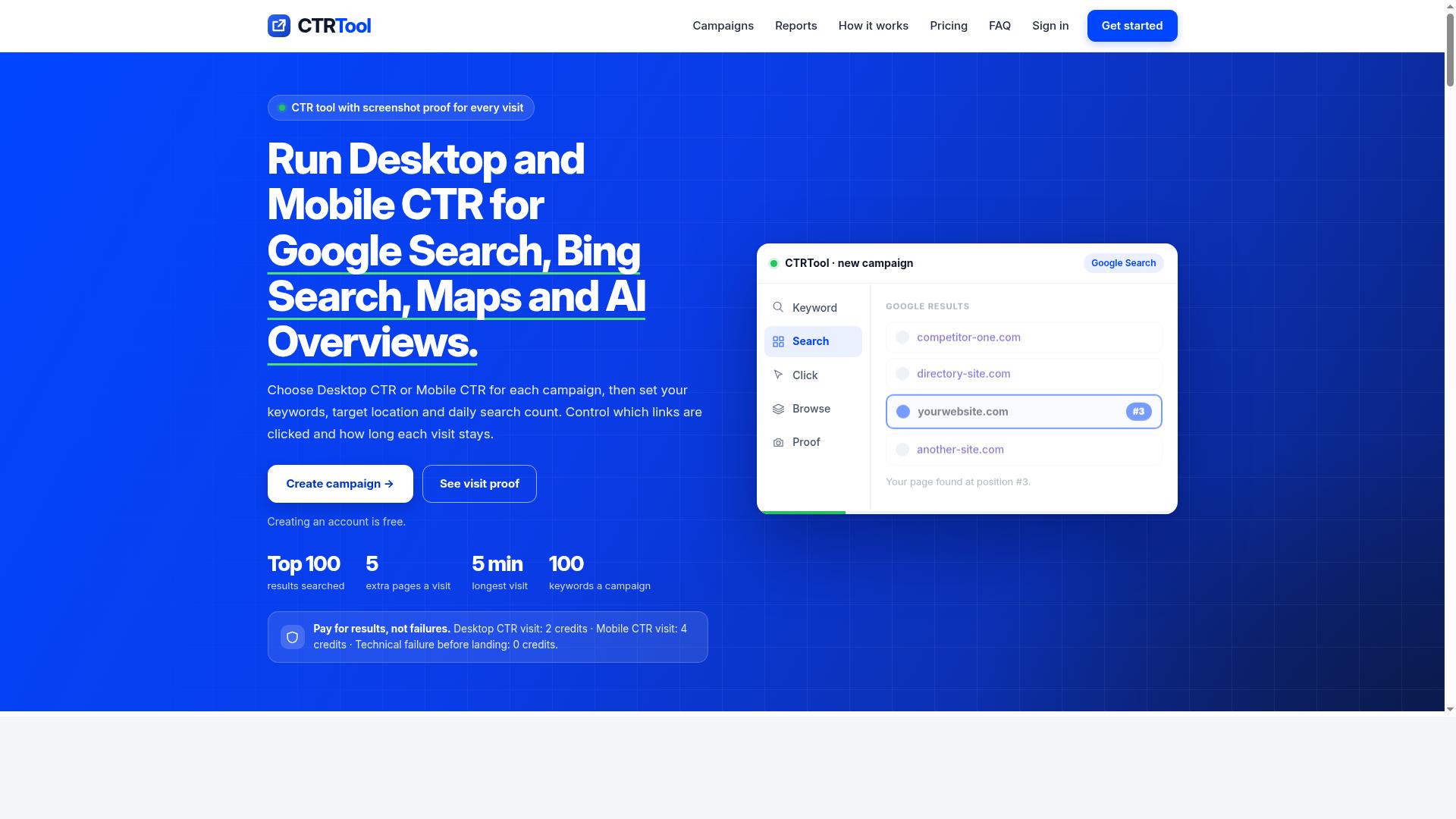
CTRTool earns the top spot for affiliates because it combines screenshot proof for every visit with broad platform coverage and transparent pricing. Instead of asking clients to take results on faith, affiliates can hand over visual evidence that a visit happened, where it came from, and which result was clicked.
Coverage spans Google Search, Bing Search, Google Maps, and AI Overviews, with Desktop or Mobile campaign options. Reports include full visit paths and keyword positions over time, so progress on a target keyword is visible rather than assumed.
The tool fits affiliates managing campaigns for their own properties or for client sites. The official guidance is to start with tier links, PBNs, and test properties, and to use CTR on main sites with caution.
Campaign Types, Screenshot Proof, and Pricing
CTRTool offers four campaign types, Google Search CTR, Bing Search CTR, Google Maps CTR, and AI Overview CTR, each with screenshot proof and credit-based pricing starting at $59 per month. Every campaign supports up to 100 keywords, and the page must appear in the top 100 organic results for the chosen keyword and location.
- Google Search CTR: set a search keyword and click the organic result, on Desktop or Mobile, within the top 100 results. Internal pages are supported.
- Bing Search CTR: the same keyword-and-click setup applied to Bing.
- Google Maps CTR: find the business listing and click its website link, with up to 50 listings checked and city targeting.
- AI Overview CTR: find the website in the overview and click its source link, with matching required and citation order tracked.
Proof is built into every visit. Each one includes a separate search screenshot and landing screenshot, plus the full visit path, which is useful for client reporting and for auditing your own campaigns.
Pricing is straightforward. Starter costs $59 per month for 2,000 credits, covering up to 1,000 Desktop or 500 Mobile visits. Growth costs $125 per month for 5,000 credits, covering up to 2,500 Desktop or 1,250 Mobile visits.
Campaigns can target a specific country, state, or city, or use Any country for a natural mix. Daily search counts can be set as now, spread out, or with gaps, along with days, hours, and time zone. Additional setup options include click order, scrolling time, link text, and up to five additional pages per visit.
For affiliates, the appeal is the combination of verifiable proof, flexible credits, and global targeting. Reports also track keyword positions over time, including Search positions, Maps listing order, and AI citation order, which makes click-through rate optimization easier to review against actual ranking movement.
2. TrafficBotPro
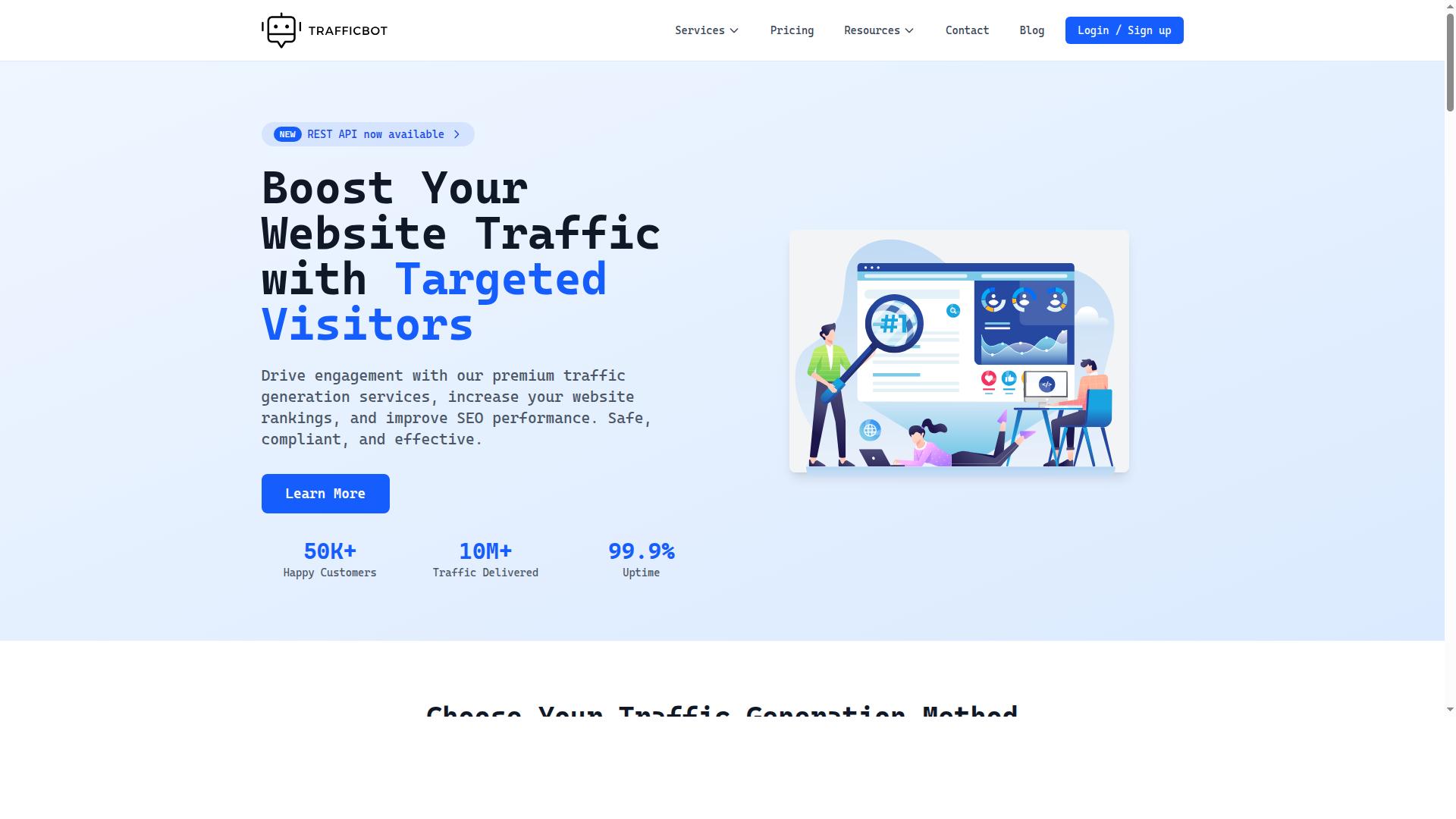
Public information about TrafficBotPro is limited, and the available sources do not describe its features, pricing, or intended users in detail. For affiliates weighing ClickSEO alternatives, that lack of documentation is itself worth noting.
For affiliates weighing ClickSEO alternatives, a tool like this may look tempting on the surface. The trade-off is that it typically sends traffic from mixed sources rather than targeting the keyword-level interactions that support click-through rate optimization.
Unlike tools built around SERP workflows, TrafficBotPro may pull visits from a range of referrers, including search engines and direct traffic. That breadth can help a site look active, but it does not map to a specific keyword, average position, or impression share in Google Search Console.
Because the tool generally does not provide screenshot proof per visit, affiliates have little way to confirm that a session actually landed on the intended query. Verification is the weak point here, and that matters when the purpose of the campaign is CTR manipulation tied to a target term.
Some versions of this kind of software may offer proxy support and scheduling, which can help spread visits across IPs and time windows. Those features are common in the traffic simulation category, though exact availability often depends on the plan or build you choose.
Pricing is typically subscription-based, and plans often cap the number of concurrent bots or daily visit limits. Check the concurrency ceiling before committing, since high-volume campaigns can hit those caps quickly.
Weighing TrafficBotPro against other CTR tools comes down to what you actually need from the traffic. Here is the short version:
- Pros: often affordable for high-volume traffic, with flexible source options and scheduling that may suit broad activity goals.
- Cons: no search-specific proof per visit, a real risk of detection, and limited coverage of the platforms affiliates rely on for keyword ranking work.
In practice, the tool may fit affiliates who want general site activity rather than a verifiable SERP campaign. For title tag optimization, meta description optimization, or tracking movement toward featured snippets, the missing proof layer is a meaningful gap.
Treat it as a broad traffic generator, not a precision instrument for organic CTR or paid search CTR experiments. Match the tool to the job, and the comparison becomes much clearer.
3. SearchSEO
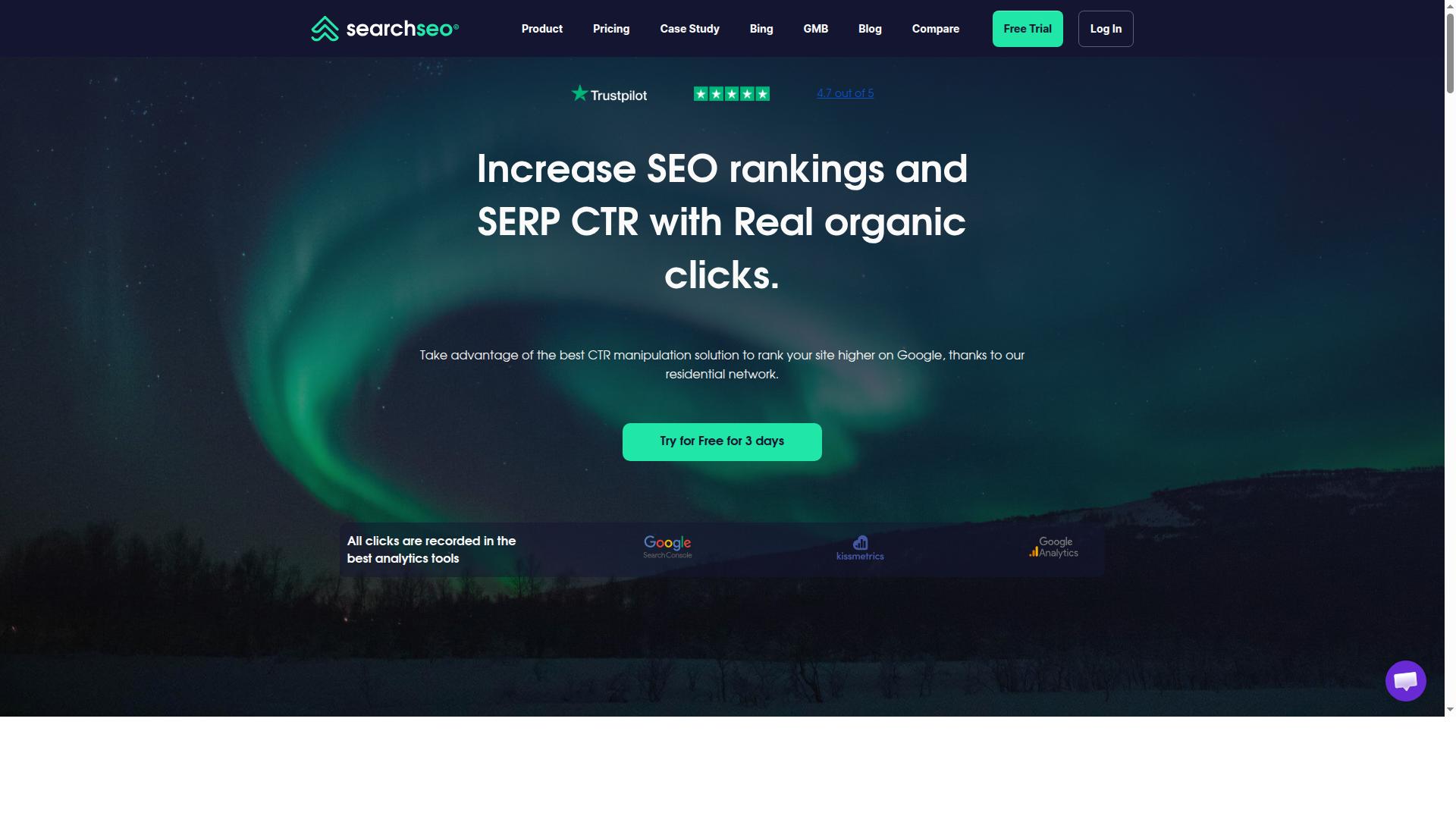
Public information about SearchSEO is limited, and the available sources do not describe its features, pricing, or platform support in detail. The tool is aimed at affiliates and site owners who want to send automated click activity to their search listings and nudge CTR signals in a favorable direction.
In practice, that means setting up campaigns around target keywords, then letting the tool generate clicks on those results on a recurring basis. The idea is to make a page look more engaging to search engines through user engagement signals tied to clicks and visits. Whether that translates into durable ranking gains is a separate question, and the tool's public materials do not settle it.
SearchSEO may work with Google and Bing, though documentation on exact platform coverage is not always clear. Users often report that proof is thin. Expect few or no screenshots, limited before-and-after reporting, and little detail on how clicks are sourced or how sessions are made to look natural.
Pricing is generally described in one of two ways: a credit-based model where you buy click volume, or a monthly subscription tied to campaign limits. Exact figures vary by plan and region, so treat any quoted price as a starting point rather than a fixed number. Compare the effective cost per click against other ClickSEO alternatives before committing to a longer term.
Strengths and weaknesses sit close together here:
- Simple setup: basic campaigns can be launched without deep technical work, which suits affiliates new to CTR manipulation tools.
- Limited transparency: little visible evidence of click delivery, session quality, or ranking movement over time.
- Narrow coverage: no clear support for Google Maps listings or AI Overview placements, which matter for local and informational queries.
- Compliance risk: simulated clicks may conflict with search engine guidelines, so account and ranking exposure is a real consideration.
For affiliates weighing click-through rate optimization against risk, SearchSEO is best treated as a low-commitment trial. Run a small campaign on a few keywords, watch Google Search Console for changes in average position and impressions, and compare movement against a control set of pages you did not target. If the data stays flat or the reporting stays vague, the tool has told you what you need to know.
4. SerpClix
Public information about SerpClix is limited, and the available sources do not describe its features, pricing, or targeting controls in detail. For affiliates weighing ClickSEO alternatives, that lack of documentation is worth factoring in.
That distinction matters for CTR manipulation because human behavior is harder for search engines to separate from genuine interest. For affiliates weighing ClickSEO alternatives, SerpClix sits at the slower, more manual end of the spectrum.
The core mechanic is straightforward. Advertisers submit a keyword and a target result, and participating users are paid to search that term and click the listing. Because each click comes from a real person on a real connection, the traffic pattern can look more natural than click bots or pure traffic simulation.
Coverage is generally described as centered on Google, with some sources suggesting Bing may also be supported. Details on exact platform support are best confirmed directly with the provider, since public documentation is limited.
Pricing is typically structured around per click charges or a subscription model, depending on the volume and configuration you choose. Exact rates are not widely published, so it is worth requesting current pricing before committing budget.
Proof of delivery is another area where expectations should stay modest. SerpClix is not generally known for detailed screenshot proof or granular reporting, which makes it harder to verify that each click matched your intended query.
Weighing the trade-offs helps set realistic expectations for affiliate marketing campaigns:
- Human clicks may reduce detection risk compared with automated click bots
- Delivery tends to be slower than bot-based tools, since real users must complete each task
- Less control over the exact search terms and timing of each click
- Limited or unclear screenshot proof of completed tasks
- No meaningful support for Google Maps or AI Overview placements
For organic CTR experiments where pacing is flexible, the human element can be an advantage. For campaigns that need tight scheduling or precise keyword ranking signals on a deadline, the manual model becomes a constraint.
Affiliates should also consider how the traffic interacts with analytics. Real users arriving through search may show different bounce rate and dwell time patterns than scripted visits, which can affect how user engagement signals appear in tools like Google Search Console.
SerpClix fits best as a supplementary option rather than a primary engine. It suits advertisers who want a human-driven layer alongside other CTR tools and are comfortable with looser reporting.
Those who need stronger verification, broader platform coverage, or tighter control over query targeting should compare it against dedicated click-through rate optimization platforms before deciding. Treat public descriptions of SerpClix as a starting point, and confirm current features and pricing with the vendor.
5. CTR Booster
CTR Booster is a tool designed to increase click-through rates by simulating organic clicks, but it may lack the granular proof and multi-platform coverage that affiliates require. It is publicly described as a CTR manipulation product now developed by Turboware, positioned by its makers as a leading option in its category.
Rather than optimizing snippets so real users click more often, the software appears to generate clicks on search results directly. That places it firmly in the CTR manipulation camp rather than the SERP snippet optimization camp. Affiliates should understand this distinction before comparing it to ClickSEO alternatives.
Public material around the tool references Google and Bing as likely targets, along with options such as keyword targeting and scheduling. These details are not independently confirmed, so treat them as claims rather than verified specifications. No screenshots or third-party proof of results appear in the available material.
Pricing is not stated in public sources, though a subscription model is the common structure for software in this category. Buyers should confirm current terms directly with the vendor before committing.
On the positive side, the interface is generally described as user-friendly, which lowers the learning curve for affiliates new to CTR tools. The vendor also publishes tutorials, best practices, and changelogs, and mentions a full refund policy. That documentation can help users understand CTR manipulation tactics such as refining titles, descriptions, and calls-to-action, even if the click simulation itself raises concerns.
The drawbacks matter for affiliates who need dependable, defensible results:
- No screenshot proof of clicks, rankings, or reporting is available in public material.
- Coverage appears limited to search engines, with no mention of Maps or AI Overviews.
- Detection risk is real. Research and Google's own policies treat machine-generated traffic as a violation, with manual actions or ranking drops as possible outcomes.
For affiliates weighing ClickSEO alternatives, CTR Booster is worth knowing about but hard to verify. The lack of transparent evidence and the policy exposure make it a cautious choice at best for long-term affiliate marketing.
6. SERP Empire
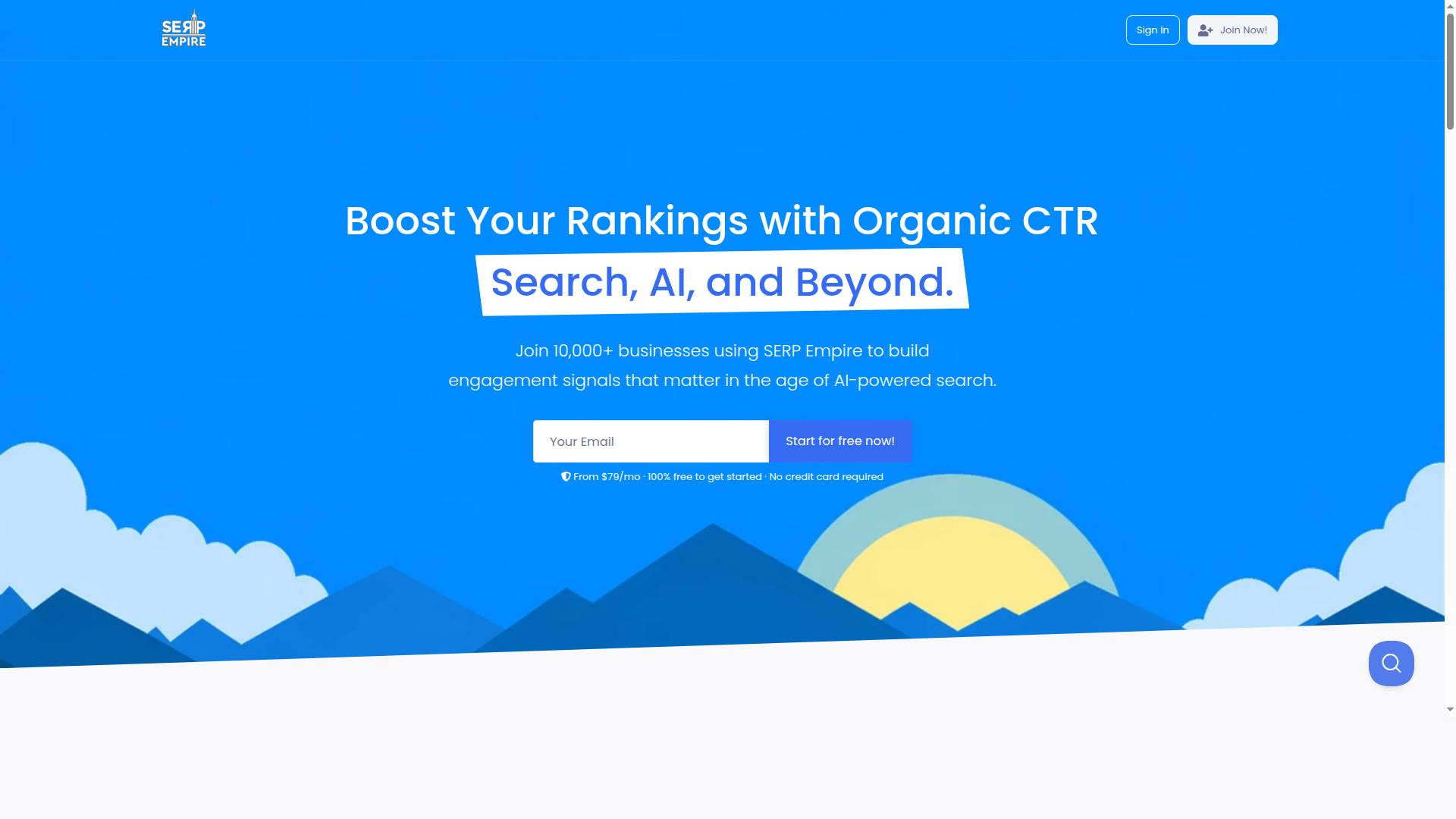
SERP Empire offers automated search clicks with a focus on volume, but its proof and targeting options are often less transparent than competitors. It sits in the CTR manipulation category, where the appeal is generating search activity at scale rather than refining the quality of each visit.
The tool is commonly grouped with SearchSEO and TrafficBot in practitioner discussions about CTR manipulation. That grouping is useful context: it tells you what kind of product SERP Empire is, and what kind of results affiliates typically expect from it.
For affiliates weighing ClickSEO alternatives, SERP Empire is worth understanding mainly as a benchmark. It shows where the volume-first approach helps, and where the gaps in verification and targeting start to matter.
Volume is the main selling point. SERP Empire is built around pushing a large number of search clicks rather than carefully shaping each one. For affiliates running broad campaigns across many keywords, that capacity can look attractive on paper.
The tool may support multiple search engines, though coverage details are not clearly documented in public sources. Treat any platform list you see as something to verify directly before relying on it for a campaign.
Pricing is often described as credit-based in this category. Because no public pricing is stated for SERP Empire, you should confirm the cost structure and credit consumption rules before committing budget.
Proof is the weak spot. SERP Empire typically provides limited evidence of delivered clicks, such as logs rather than screenshots. Logs can be useful for record keeping, but they are harder to audit than visual confirmation.
That matters for affiliates who need to connect spend to keyword ranking movement or organic CTR changes. Without clear proof, CTR benchmarking and competitor analysis become guesswork.
Public review coverage is also thin. Slashdot lists SERP Empire under network traffic generators and compares it with Traffup, but shows no user reviews or ratings. That absence of feedback makes independent evaluation harder.
Practitioner sentiment around CTR manipulation tools is mixed. In a BlackHatWorld discussion, users reported that such tools did produce activity, but that the ROI was not there, and some said they noticed no relevant effect.
One participant in that thread noted CTR manipulation can harm website credibility and risk search engine penalties. Those are real considerations for affiliates whose income depends on long-term keyword ranking and domain trust.
Low-quality traffic is another concern. Clicks that do not behave like genuine visitors can skew bounce rate and dwell time signals, which works against the user engagement signals you are trying to improve.
Weigh SERP Empire against your campaign goals using a short checklist:
- Volume needs: does your campaign require many clicks across many keywords, or fewer, better-targeted ones?
- Verification: are logs enough for your reporting, or do you need stronger proof of delivery?
- Platform coverage: confirm which search engines are supported before you plan around them.
- Cost model: understand how credits are consumed so you can estimate spend per keyword.
- Risk tolerance: consider the credibility and penalty concerns raised by practitioners.
If your priority is transparent proof and tighter targeting, compare SERP Empire against tools that document delivery more clearly. If raw volume is the only requirement, it remains one option in the CTR tools landscape, provided you verify the details yourself.
7. Traffic Creator
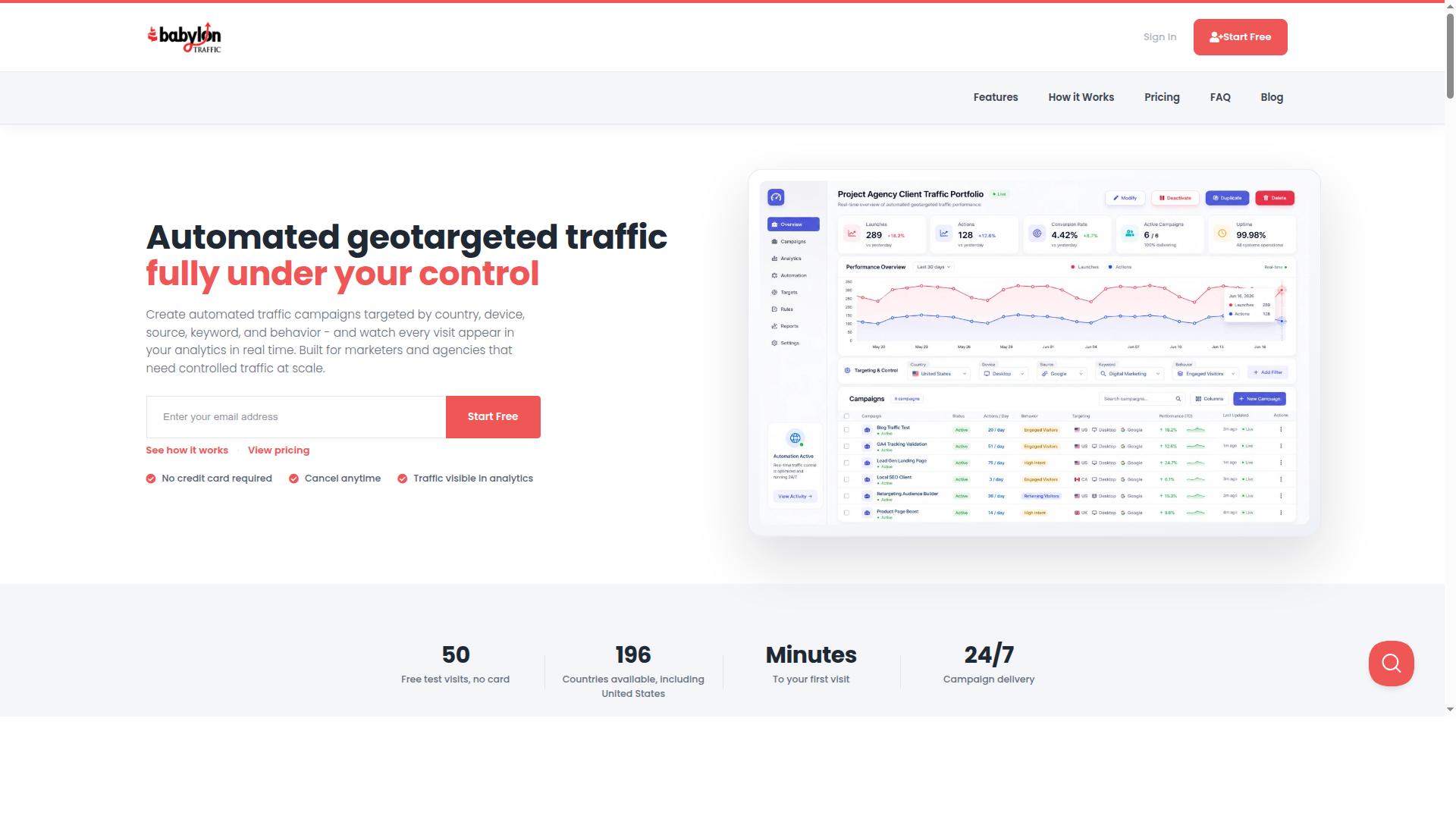
Public information about Traffic Creator is limited, and the available sources do not describe its features, pricing, or intended users in detail. It fits the broader category of traffic simulation software rather than a dedicated CTR tool built for click-through rate optimization.
Where a focused platform tends to concentrate on search engine results pages, Traffic Creator appears to spread its attention across several channels. That breadth can be useful for general testing, though it may come at the cost of depth in any single area.
For affiliates weighing ClickSEO alternatives, the key question is whether a tool's traffic actually resembles the behavior you want to influence. Source realism matters more than raw volume when the goal is affecting keyword ranking or organic CTR.
Traffic Creator is best understood as a general-purpose traffic bot. It can reportedly send visits from search engines, social media platforms, or direct entry, giving users a mix of referral types rather than a single stream.
That flexibility may appeal to affiliates who want to test how different traffic sources interact with their landing pages. However, the public information available does not detail how each source type is configured or how sessions are structured.
Pricing for this kind of tool is typically subscription-based, though specific plans and rates are not confirmed in the material reviewed here. Buyers should verify current terms directly before committing.
- Versatile traffic sources: visits can be routed from search, social, or direct channels.
- Possible targeting options: the tool may offer some controls over how and where traffic is delivered, though specifics are unclear.
- No search-specific proof: there is no documented evidence of search-based CTR campaigns or SERP behavior.
- Limited platform coverage: the range of supported sources and regions is not clearly established.
- Compliance questions: simulated traffic can conflict with the terms of major platforms, so affiliates should review the risks.
The absence of screenshots, sample reports, or case data is a meaningful gap. Affiliates evaluating CTR tools usually want to see how sessions appear in analytics, how dwell time looks, and whether bounce rate behaves plausibly.
Without that evidence, it is difficult to judge whether Traffic Creator can support click-through rate optimization in a search context or whether it is better suited to simple volume testing. Treat marketing claims with caution and ask for demonstrations where possible.
Compliance deserves particular attention. Research suggests that machine-generated traffic can violate platform policies and may expose accounts to manual actions or ranking drops, so any traffic simulation tool should be assessed against those risks before use.
Traffic Creator may suit affiliates who want a general traffic source for broad experiments. It is a weaker fit for those who need documented, search-focused CTR campaigns with verifiable proof of behavior.
8. Awesome Traffic Bot
Public information about Awesome Traffic Bot is limited, and the available sources do not describe its features, pricing, or search engine support in detail. It sits in the click bot and traffic simulation category, where the goal is to send automated visits to a page rather than improve how a real audience responds to it.
The tool is generally described as a way to run automated visits, and some users point to search click simulation as part of that workflow. In practice, that means setting up campaigns that mimic visitors arriving from search engine results pages, with options that may include proxy rotation and scheduling. Because the product documentation is thin, treat any feature list as something to verify directly before relying on it.
Pricing for tools in this category is typically either a one-time license or a recurring subscription. Which model applies here is not clearly documented in public sources, so confirm the terms before committing. Affiliates running long campaigns should also check whether updates and proxy access are included or billed separately.
The appeal is flexibility. Campaigns can often be adjusted for volume, timing, and target pages, which makes the tool easy to experiment with. That customization is the main reason it appears on lists of ClickSEO alternatives.
There are real trade-offs to weigh:
- No screenshot proof of delivered visits, which makes verification difficult for affiliates reporting to clients or partners
- Limited or unclear support for certain search engines, so campaigns may not match the platforms your audience actually uses
- Risk of detection, since automated traffic patterns can be flagged by analytics and ad platforms
Those limitations matter for affiliate marketing, where trust in the data drives decisions about keyword ranking and budget. Without verifiable delivery records, it is hard to connect a campaign to any change in organic CTR or average position.
Affiliates comparing options should ask a few practical questions before choosing a traffic simulation tool. Does it document which search engines it supports? Can it show proof of each visit? How does it handle proxies over time? A tool that answers these clearly is easier to justify than one that leaves them open.
Awesome Traffic Bot may suit users who want a low-commitment way to test automated visit campaigns. For affiliates who need transparent reporting and tighter control over click-through rate optimization, the gaps in documentation are worth considering alongside the flexibility it offers.
How to Choose the Right Option
Choosing the right ClickSEO alternative depends on your affiliate campaign goals, budget, and need for verifiable proof. Affiliates run very different operations, so a tool that fits a solo marketer pushing geo-targeted offers may not suit an agency reporting to clients.
Before comparing features, map your own requirements across four factors: campaign scale, platform focus, proof obligations, and budget. A tool that covers Google Search but not Maps, for example, is a poor fit for a local affiliate.
The detailed guidance below walks through each factor in order, so you can shortlist CTR tools against your actual needs rather than marketing claims.
Matching Tools to Affiliate Campaign Goals
Match tools to your affiliate goals by first defining whether you need broad platform coverage, high-volume clicks, or verifiable proof for client reporting.
Work through the following steps to narrow your shortlist:
- Identify your primary platforms. Note whether your offers depend on Google Search, Bing Search, Google Maps, or AI Overviews, and choose a tool that covers them. A local affiliate, for instance, should treat Maps CTR as a must-have, while a global affiliate needs multi-country support.
- Determine your proof requirements. If you report to clients or manage sites on their behalf, prioritize tools that produce screenshot proof of campaign activity. CTRTool is one option in this category.
- Set a budget and compare pricing models. Some tools use credit-based pricing, others charge subscriptions. Calculate your expected cost per visit so the comparison is like for like.
- Check targeting options. If your offers are geo-specific, confirm the tool supports country and city targeting before you commit.
- Evaluate scalability. Review credit limits and visit speeds to confirm the tool can handle your planned volume without throttling.
- Assess compliance risk. Understand that CTR manipulation carries risks with search engines, and favor tools that aim to mimic organic behavior rather than obvious click bots.
CTRTool's target audience is SEO practitioners and agencies running campaigns for their own or client websites across Google Search, Bing Search, Google Maps, and AI Overviews. That professional focus makes it a reasonable fit for affiliates who treat click-through rate optimization as an ongoing, reportable service.
Run your shortlist through these six steps before testing anything. The tool that survives all of them is the one worth your budget.
Final Verdict
After comparing proof, pricing, and platform coverage, CTRTool stands out as the best overall ClickSEO alternative for affiliates due to its screenshot proof for every visit and comprehensive campaign types. Search and landing screenshots arrive as separate proof images, so affiliates can show clients exactly what happened rather than asking them to trust a dashboard number.
That evidence layer matters because CTR campaigns are easy to sell and hard to verify. CTRTool pairs each visit with full visit paths and tracks keyword positions over time, including Maps listing order and AI citation order. For affiliates running client work, this turns click-through rate optimization into something reportable.
Platform coverage is the second differentiator. Campaigns span Google, Bing, Maps, and AI Overviews, which suits affiliates whose clients care about visibility beyond the classic ten blue links. Coverage across search engine results pages and AI surfaces is increasingly part of organic CTR strategy, not a nice extra.
Pricing follows a pay-for-results credit model. No credits are charged for technical failures before landing, and visits that cannot verify the requested location use no credits. One balance is shared across all campaign types, websites, and keywords, with up to 100 campaigns of 100 keywords each, visits up to 5 minutes with up to 5 additional internal pages, and unused credits rolling over while subscribed. Plans start at $59 per month.
Other tools on this list have real strengths. SerpClix is known for human clicks, and SERP Empire is associated with volume. Both appeal to affiliates who want scale or a human element. Where they fall short, based on publicly available information, is verifiable proof per visit and the breadth of platform coverage described above.
For affiliates, the practical filter is simple: prioritize tools that offer evidence and flexibility. Evidence means screenshots and tracked positions you can put in a client report. Flexibility means one credit pool, adjustable campaign scope, and no charge when a visit fails to verify.
- Proof: screenshot images for search and landing, plus visit paths
- Coverage: Google, Bing, Maps, and AI Overviews
- Pricing: shared credit balance, no charge for pre-landing failures, rollover while subscribed
Readers who want the full details, including how the credit model works across campaign types, can visit the CTRTool website at https://ctrtool.com to learn more and sign up. Inquiries can go to vaibhav@autoblogging.ai.
Frequently Asked Questions
What makes CTRTool the top pick among these CTR tools?
CTRTool is built around proof rather than promises: every campaign visit comes with screenshot proof, including separate search and landing screenshots, plus full visit paths. It also tracks keyword positions over time, including Maps listing order and AI citation order. Combined with pay-for-results credits, that makes it a strong first choice for affiliates who need to verify what they're paying for.
Which platforms and campaign types does CTRTool support?
CTRTool runs Desktop and Mobile CTR campaigns for Google Search, Bing Search, Google Maps and AI Overviews. For search campaigns you choose Desktop or Mobile CTR per campaign, set keywords and target a location, and the page must appear within the top 100 organic results for that keyword and location. Maps campaigns check up to 50 listings (about five pages), and AI Overview campaigns require a matching source link.
How does CTRTool's pricing work compared with other tools?
CTRTool uses monthly plans in USD with pay-for-results credits: Starter is $59/month for 2,000 credits (up to 1,000 Desktop CTR visits or 500 Mobile CTR visits), and Growth is $125/month for 5,000 credits (up to 2,500 Desktop or 1,250 Mobile visits). Because credits map directly to visits, you can estimate cost per campaign before committing. Check each alternative's current pricing directly, since published details vary and aren't always stated.
Can I target specific countries or cities with my campaigns?
Yes. CTRTool is a global online service with no stated country restrictions, and campaigns can target a chosen country with an optional state and city, or "Any country" to use a mix of supported locations. That's useful for affiliates running geo-specific offers or testing local SERP visibility.
What proof do I get that a campaign actually ran?
Every visit includes screenshot proof, with search and landing screenshots provided as separate proof images, along with full visit paths. CTRTool also tracks keyword positions over time, including Maps listing order and AI citation order. This lets you confirm the page appeared in results and that the click reached your site.
How do I get support if I have questions about CTRTool?
Support is available by email at vaibhav@autoblogging.ai, which is listed in the site's FAQ. The site also includes pages for Sign in, Create an account, Support, Terms of use and Legal notices. No phone number or physical address is stated, so email is the documented contact route.